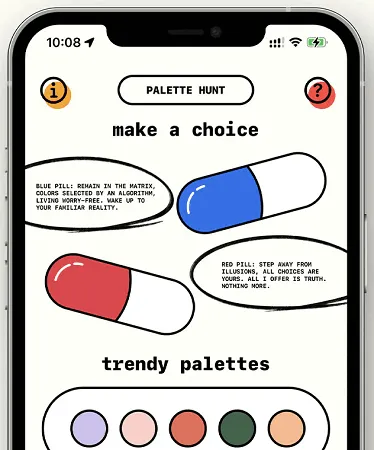
Extract Color Palette from Photos with this iPhone App
Palette Hunt, the ultimate tool for your creative pursuits! Melding retro gaming aesthetics with refined color theory
Read more: Extract Color Palette from Photos with this iPhone App »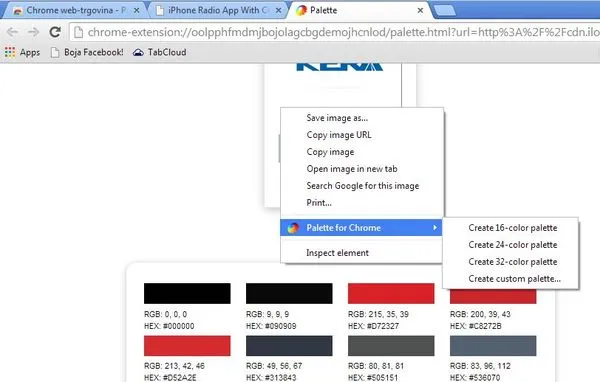
Here's a list of 5 color palette extensions for Chrome which you can use to create color palettes from images and/or websites.
Here’s a list of 5 color palette extensions for Google Chrome which you can use to generate color palettes for the designs that you’re working on. Every designer needs an inspiration from time to time. Other times you just don’t have the will power to setup a palette, and that’s when having a color palette generator, like the ones that we’re gonna be talking about down below, does come in handy.
Let’s see what we found in the Chrome Webstore.
Palette for Chrome will help you generate color palettes from images that you come across when browsing the web.
To start generating color palettes you just need to right click on the image whose colors you like, select the Palette for Chrome option (see image above), select the size of the color palette after which it’s automatically generated and presented to you in a new tab that gets open. From that point on you just need to copy the generated color values into your photo editor of choice.
Get Palette for Chrome.
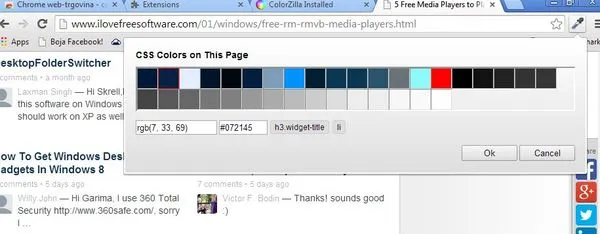
ColorZilla has a lot of tools available, not just those for creating color palettes which is what you can see on the image above.
Color palettes are again generated from open websites. To do that, you will have to left click on the top right corner extension icon and select Webpage Color Analyzer. Colorzilla will scan the website that you have, see which colors it uses and then generate a color palette based on the findings. Like we already mentioned other tools are available, CSS gradient generator, eyedropper tool and more.
Get ColorZilla.
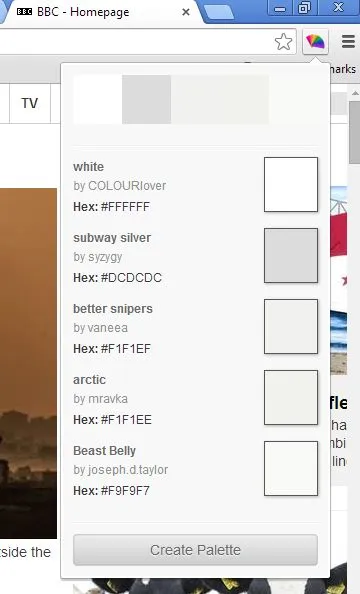
Colour Extractor is another color palette extension that will generate color palettes from websites. This one doesn’t even try to hide it, as you can see from its name.
There are only two steps involved in creating a color palette. First you need to click on the extension icon and then from the dropdown menu select “Create palette”. Up to 5 colors are generated.
Get Colour Extractor.
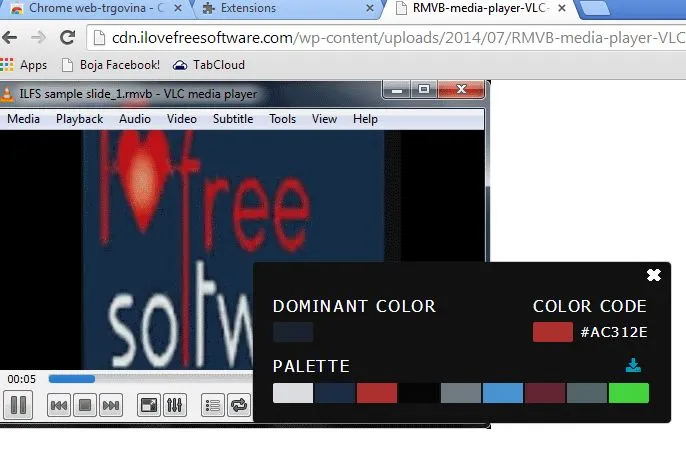
Color Thief is another color palette extension for Chrome which creates color palettes from images.
Right click on images and select the Color Thief option to create a palette. Color palette is showed in a pop-up window, see image above. Created color palette can be saved as a PNG and that way imported into editors more easily which is a plus with this color palette creator for Chrome.
Get Color Thief.
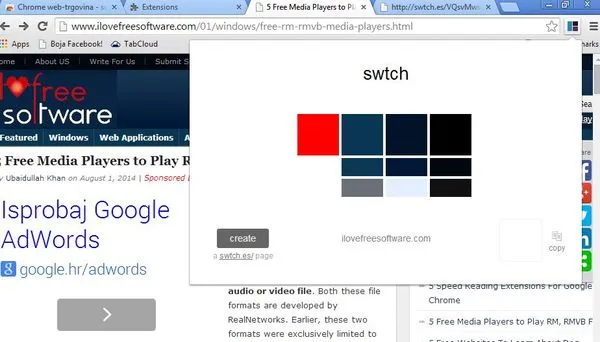
swtch lets you create color palettes from websites, and it does that in a single mouse click.
This color palette extension is setup to work with a website, where you can even share created color palettes, but the website doesn’t work. Extension works though. To create a color palette you just need to click on the top right corner extension icon.
Get swtch.
The last two extensions from the list, Color Thief and swtch won us over with their simplicity so we suggest that you grab these two if you’re interested in creating color palettes from inside Chrome. Other are more advanced, so if you need more features use them.
Palette Hunt, the ultimate tool for your creative pursuits! Melding retro gaming aesthetics with refined color theory
Read more: Extract Color Palette from Photos with this iPhone App »BishBashBosh is a free Chrome extension to convert selected text to screenshot. The screenshot can be saved to PC as JPG image or share it to Twitter.
Read more: Chrome Extension To Convert Selected Text To Screenshot »Remove the background from any photo in seconds with these free AI background remover websites. Free resolution limits, sign-up and watermarks compared.
Read more: 4 Best Free Online Photo Background Remover Websites »Enlarge small or blurry photos with AI. Free image upscalers compared: Upscayl, Let's Enhance, Upscale.media and Pixelcut, with their free limits.
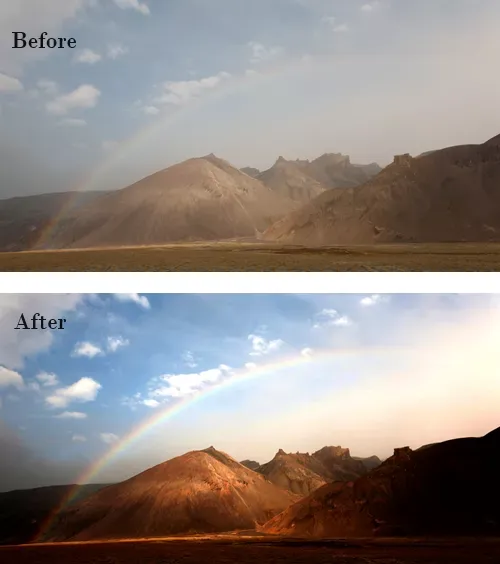
Read more: 4 Best Free AI Image Upscaler Websites and Apps »Dehaze your photos online with free tools mentioned in this post to make them clearer and improve the visibility by eliminating hazy effect.
Read more: Remove Haze from Photo using these Free Photo Dehaze Tools »Check out these best free online photo object remover websites where you can erase any unwanted object or person from a photo.
Read more: 10 Best Free Online Photo Object Remover Websites »