How To Setup Wifi Hotspot on PC without Using Any Software
In this tutorial, I will explain how to setup a wifi hotspot on PC to share internet with other devices.
Read more: How To Setup Wifi Hotspot on PC without Using Any Software »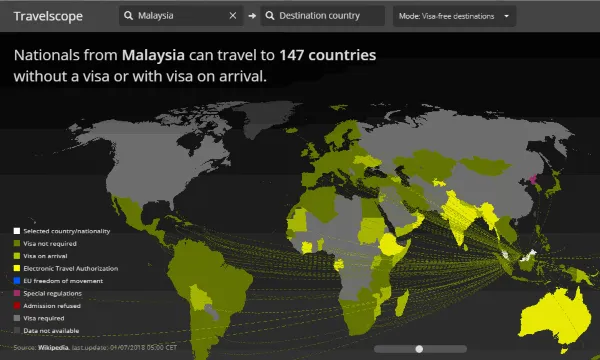
This tutorial is all about how to find countries you can travel to without a visa. It comes with a world map where you can select any source country you want and then…
This tutorial will explain a simple method on how to find countries you can travel to without a visa. You can now easily find out which countries you can visit without requiring a visa. This can be achieved using a free website called “Travelscope“. This website allows you to choose any country you want on the world map and then see all the countries where the nationals of that particular country can travel to without a visa. Apart from that, it will also show any special requirement or restrictions for those visa-free countries such as some countries require people with criminal records to get approval for a rehabilitation, and so on.
In addition to visa-free countries, it can also show you the countries where they require visa on arrival, admission refused, visa required, electronic travel authorization, etc. Ultimately, this website can make it much easier for you to know which countries you can visit without actually getting a visa.
If you’re planning a vacation to any other country, then this website can come in handy for you as you can know the visa related details with ease.
To get started, the first thing you gotta do is visit the homepage of “Travelscope” and there you will see a world map. Now, you would need to select the “Mode” drop-down menu at the top and choose “Visa-free destinations” options. As soon as you do that, you can proceed to find countries you can travel to without a visa.
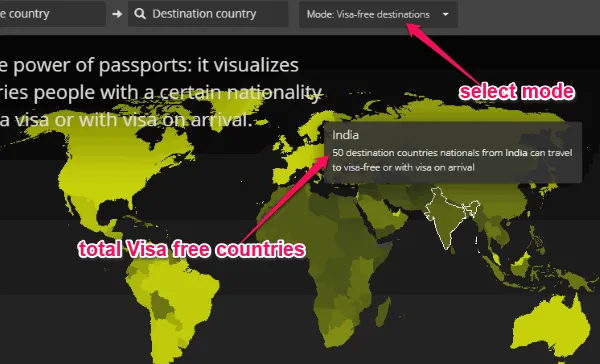
When you hover over any country on the map, it will initially show you the total number of countries which can be visited by the nationals of that particular country without a visa.
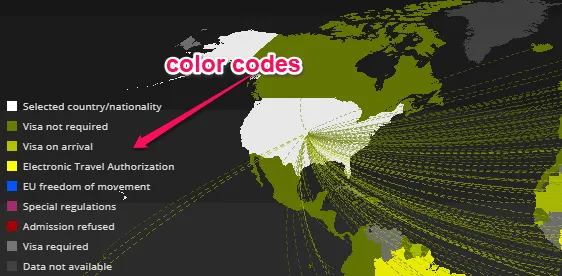
Now, to exactly see which are those destination countries, simply click on the source country on the map. As soon as you do that, it will automatically show you all the visa-free countries by drawing an animated line between the source country and the destinations countries. Apart from the visa-free countries, this website will also show other countries which require a visa on arrival, special regulations, electronic travel authorization, etc.
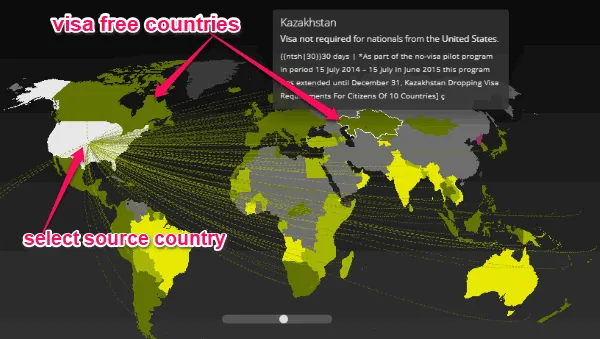
So, to know which are the actual visa-free countries, you would need to follow the color code of the map. The destination countries with the dark green color are the countries where the nationals from the source country can travel without a visa. The codes include red for admission refused, pink for special regulations, grey for visa required, and so on. The list of color codes is visible on the left of the world map.
There are some other features offered by this website using which you can find the total population of any country, GDP per Capita, etc.
So, this is how you can now easily find out the countries you can travel to without a visa. Travelscope makes it super easy for anyone living in any country in the world find out the visa-free destination countries for them. All you need is to select the country and the rest is shown by this website automatically. What makes it more useful is the fact that apart from visa-free countries, it also shows countries with special regulations, ETA required, visa on arrival, etc.
In this tutorial, I will explain how to setup a wifi hotspot on PC to share internet with other devices.
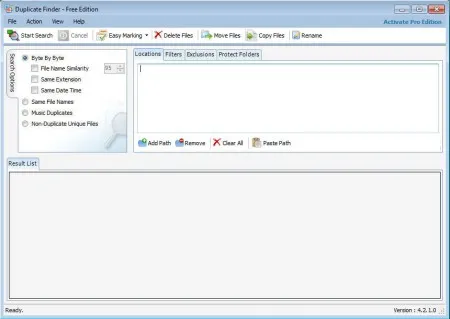
Read more: How To Setup Wifi Hotspot on PC without Using Any Software »Duplicate File Finder is a free system utility which you can use to find and delete duplicate files on your system. Download it free.
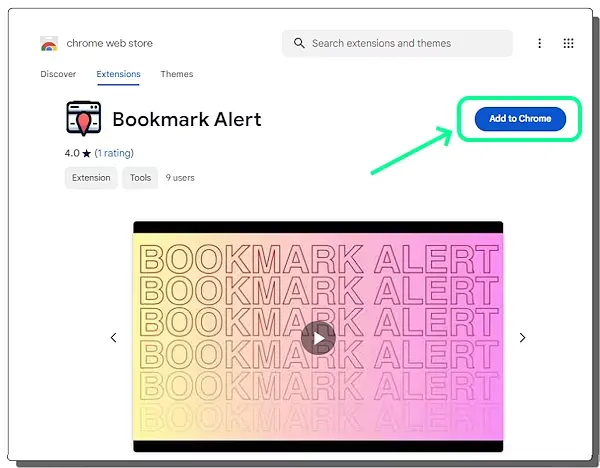
Read more: Find Duplicate Files with Duplicate File Finder »Learn how to set reminders to revisit bookmarked sites so no saved sites get forgotten only to be pilled up in the bookmarks.
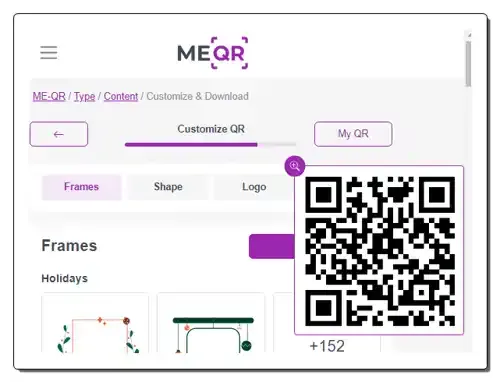
Read more: How to Set Reminders to Revisit Bookmarked Sites? »Use these online vCard QR code generator websites to generate fully customized vCard QR codes based on your requirements.
Read more: 8 Best Free Online vCard QR Code Generator Websites »Librum is a free Windows application that helps you to create your own personalized online library that you can access from any device, anytime, anywhere.
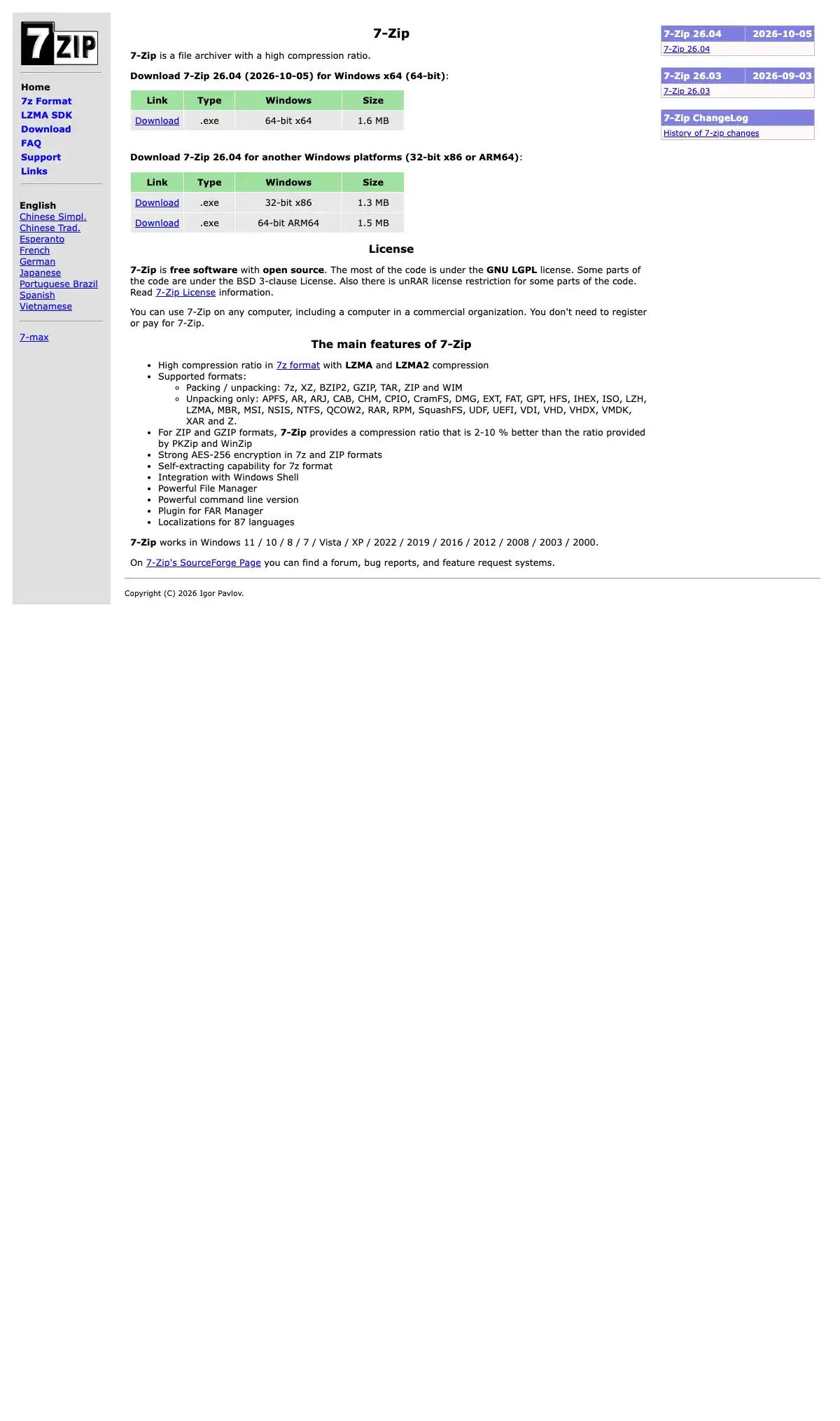
Read more: Free Open Source E-Book Reader with AI Summary and Explanation: Librum »Unzip files in Windows with one keyboard shortcut (Ctrl+E) using 7-Zip and the free Zippy add-on. Works on several ZIP files at once.
Read more: Keyboard Shortcut to Extract ZIP Files with 7-Zip »