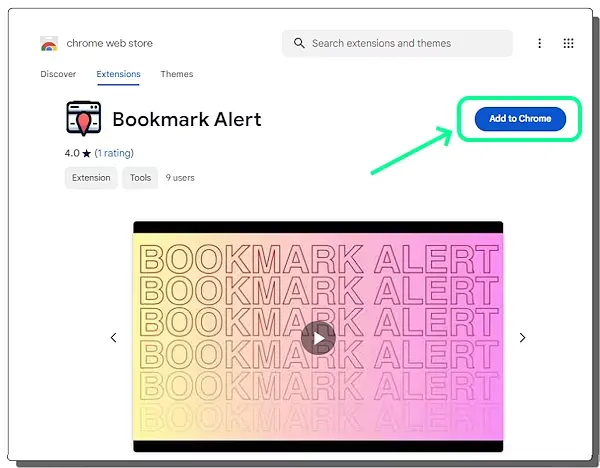
How to Set Reminders to Revisit Bookmarked Sites?
Learn how to set reminders to revisit bookmarked sites so no saved sites get forgotten only to be pilled up in the bookmarks.
Read more: How to Set Reminders to Revisit Bookmarked Sites? »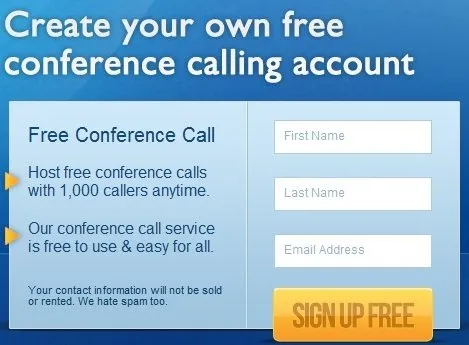
Free Conference Calling is a free service to make free conference calls. You can record conference calls, and manage callers.
Free Conference Calling is exactly that, a free conference call service and with it, you can have conference calls with up to 1,000 attendees. Referred to as a “reservationless” conferencing service, it means that you can use Free Conference Calling whenever you like without scheduling anything ahead of time. The service will be available any time a conference call is needed.
You can sign up for free from the website, FreeConferenceCalling.com. You’ll receive a conferencing number (basic long-distance call) and conference code for all your callers to join the call. As the host, you also get a security code which is used to begin the conference call. You can host a call on-the-fly or plan an event far in advance, either way it’s really easy.
Also check out: how to setup virtual fax machine for free.
MP3 Call Recording
A conference call can be recorded as an MP3 file without any special equipment on your end. Free Conference Calling lets you listen to recordings online and post them in other places like Twitter and Facebook and setup a podcast channel for others to follow.
Online Management
You’re able to view and manage your conference calls online quite easily. There’s a control interface that lets you see as your callers join or leave the call, it tells you how many people are on and who is speaking in real-time.
Call Detail Reports
Once your call is finished, you can review all the call details including participant counts, when people came in and when they left.
Conference calls are a great timesaver. Visit Free Conference Calling and sign up for your own free conference call account. We hope you find it useful. You can couple it with a free web conferencing software, and share screen with your conference call participants.
Learn how to set reminders to revisit bookmarked sites so no saved sites get forgotten only to be pilled up in the bookmarks.
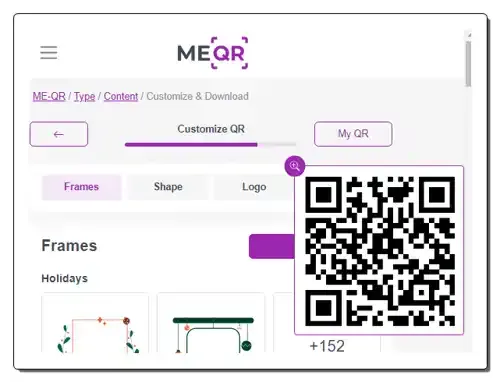
Read more: How to Set Reminders to Revisit Bookmarked Sites? »Use these online vCard QR code generator websites to generate fully customized vCard QR codes based on your requirements.
Read more: 8 Best Free Online vCard QR Code Generator Websites »Librum is a free Windows application that helps you to create your own personalized online library that you can access from any device, anytime, anywhere.
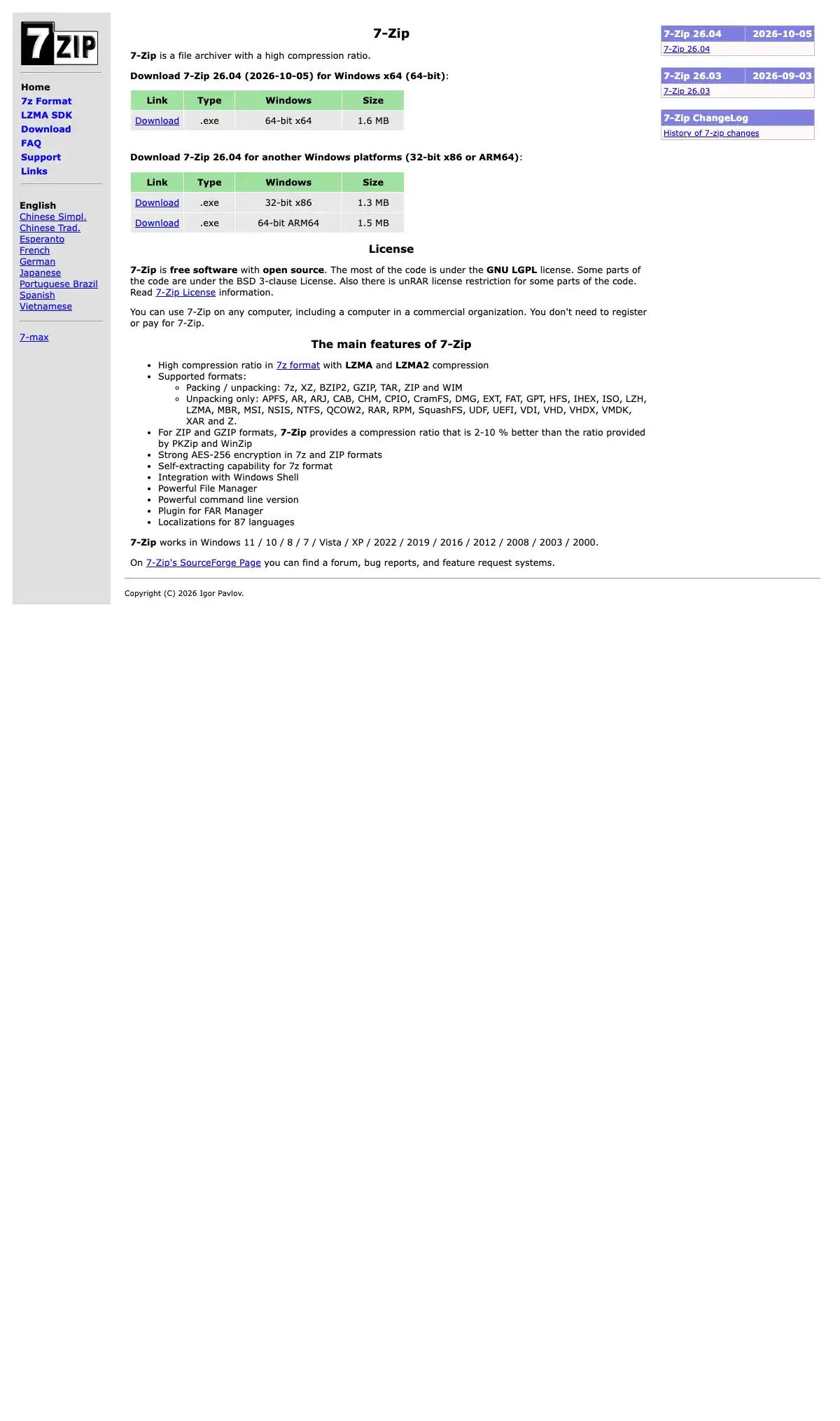
Read more: Free Open Source E-Book Reader with AI Summary and Explanation: Librum »Unzip files in Windows with one keyboard shortcut (Ctrl+E) using 7-Zip and the free Zippy add-on. Works on several ZIP files at once.
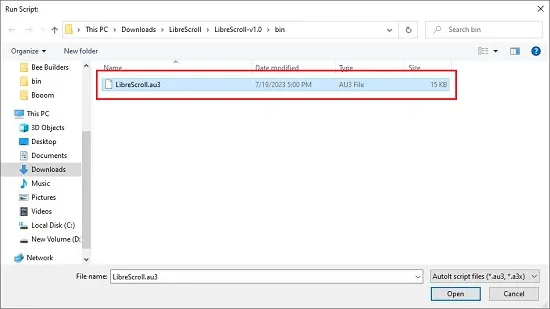
Read more: Keyboard Shortcut to Extract ZIP Files with 7-Zip »LibreScroll is a free downloadable software for Windows that enables this flywheel scrolling with any regular (generic) mouse
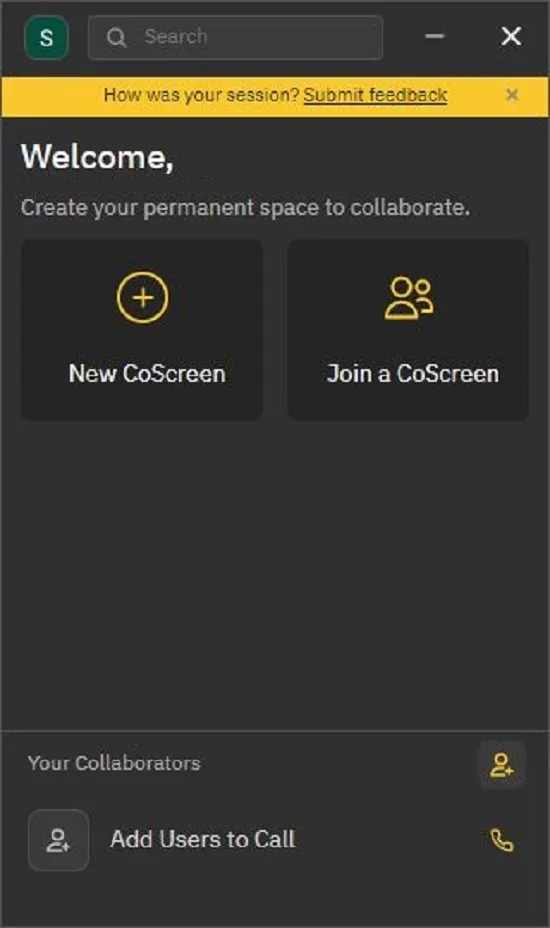
Read more: Enable Fly Wheel Scrolling on any Mouse with this Free Software »CoScreen is a screen sharing software that enables multiple users to concurrently share their screens as well as interact and remote control each other’s screens to…
Read more: Free Software for Multi Display Screen Sharing with Teammates: CoScreen »