5 Free Google Translate Client Apps for Desktop
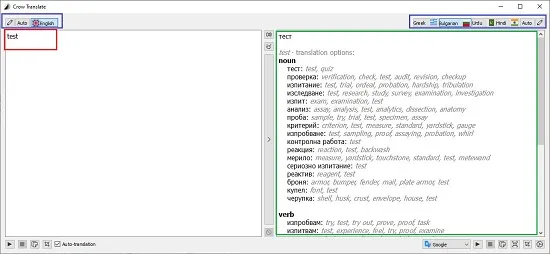
In this article, we will discussing 5 Free Desktop Translation Applications powered by Google Translate Services.
Read more: 5 Free Google Translate Client Apps for Desktop »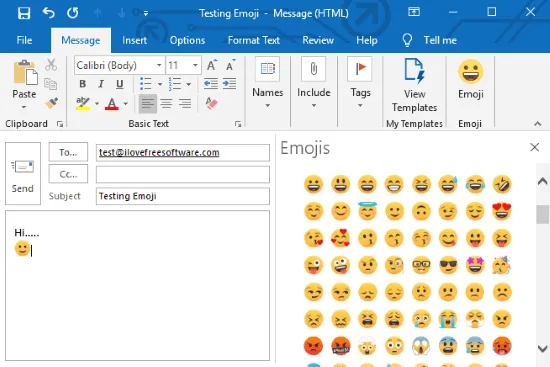
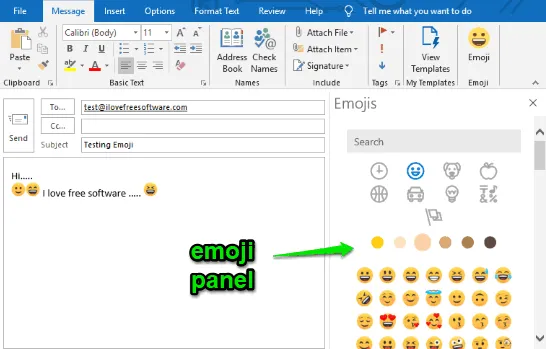
Here is a free emoji add-in for Outlook desktop to send emoji in emails. You can search for an emoji or use categories to find and add emoji in email.
Here is a free emoji add-in for Outlook desktop to send emoji in emails. A separate section is provided to find and use emoji while composing a new email in Outlook desktop. You can browse emoji manually or search for an emoji and use it in the email. You can also browse categories to use correct emoji. The add-in that I have covered for this purpose is named “Emojis“.
This add-in also lets you use emoji with different colors, like gold, light brown, dark brown (similar to WhatsApp emoji). In the screenshot visible below, you can see that emoji panel is visible on the compose mail window of Outlook desktop.
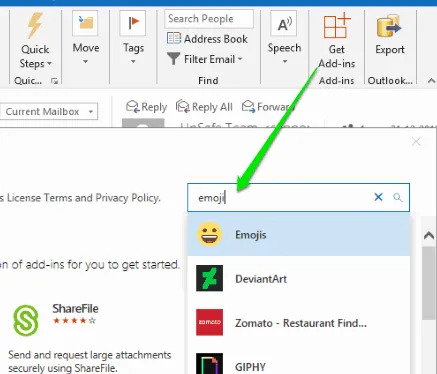
Step 1: Open the homepage of this Emojis add-in and install it with the same email id with which you’re signed in to your Outlook desktop client. Its homepage link is given at the end of this article. Or else, you can directly open Outlook desktop and access “Get Add-ins” section in Home tab to install the add-in.
Step 2: Compose a new email. On the right-hand side, you will notice that an emoji panel is visible. That panel contains:
Click on an emoji and it will be added to the email.
This way you can add more emoji and then finally you can send the email.
Did you know you can also sync Google Calendar and Outlook Calendar?
Emoji are a good way to convey some message as it can represent your current mood or face expression to the other person conveniently. While Outlook.com already has emoji panel natively, Outlook desktop doesn’t support it for now. Therefore, this add-in can come in handy. Just install this free emoji add-in and send emoji in emails using Outlook desktop.
In this article, we will discussing 5 Free Desktop Translation Applications powered by Google Translate Services.
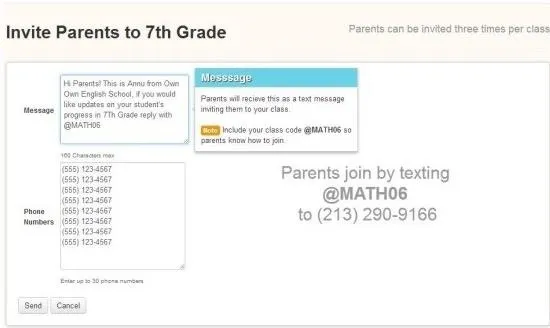
Read more: 5 Free Google Translate Client Apps for Desktop »Here are 3 free texting websites for teachers that let teachers send free text messages to students and parents.
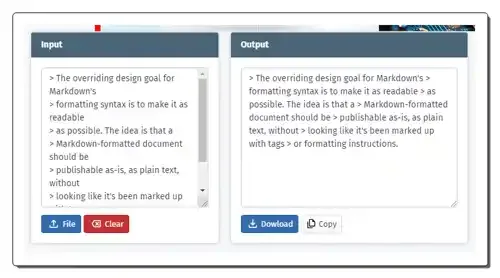
Read more: 3 Free Websites For Teachers To Send Free Text Messages To Students »Use these online multiline to single line converter websites to quickly convert multiline text with line breaks into a single line text.
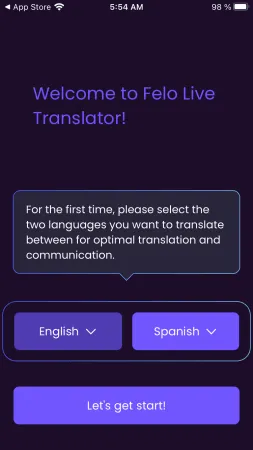
Read more: 9 Best Free Online Multiline to Single Line Converter Websites »Felo is a free iPhone app that offers you real time translation and is powered by latest version of the GPT AI.
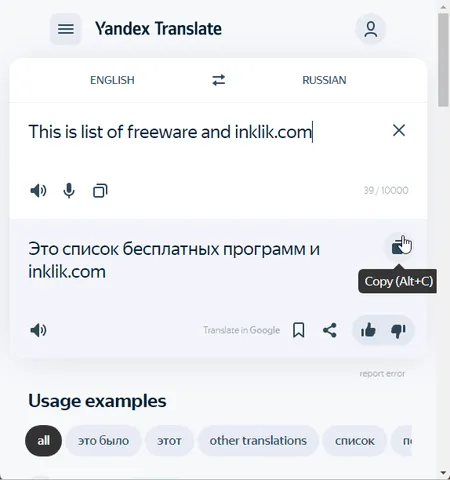
Read more: Free Real Time Translation app for iPhone for Travelers »Check out these free online Google Translate alternatives where you can easily translate between hundreds of different languages.
Read more: 13 Best Free Online Google Translate Alternatives »In this article, you will read about a free online tool that allows you to remove accents from the text by removing Diacritical Marks.
Read more: Remove Accents from Text by Removing Diacritical Marks Online Free »