How to Set Reminders to Revisit Bookmarked Sites?
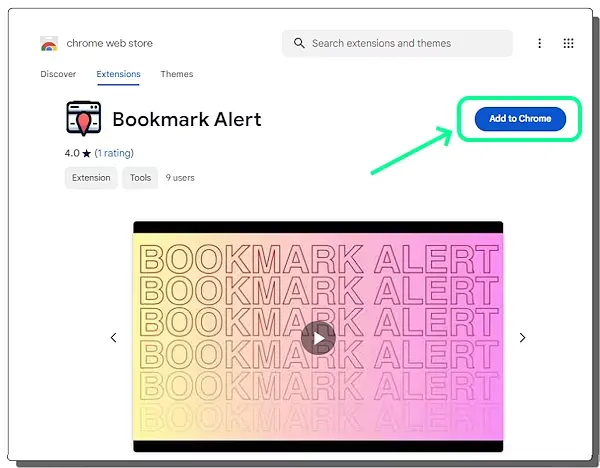
Learn how to set reminders to revisit bookmarked sites so no saved sites get forgotten only to be pilled up in the bookmarks.
Read more: How to Set Reminders to Revisit Bookmarked Sites? »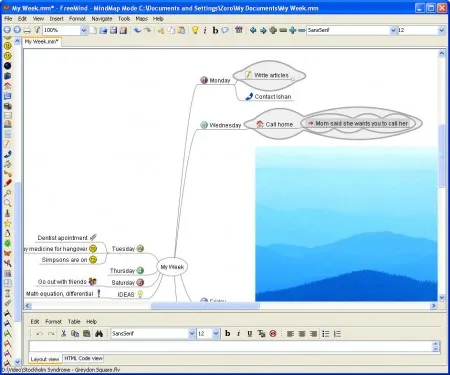
FreeMind is a free mind mapping software to map your mind and never again forget important information and ideas. Download it free.
FreeMind is a free and open source application that allows you to organize your thoughts, tasks, notes, reminders and everything else that you can think off that involves your brain. This is done with the help of mind mapping, where you use various graphics in order to create a tree like structure of what’s on your mind. Image below is a simple mind map for daily tasks and schedules.
Mind mapping has been around ever since the ancients, it’s not some new fad that was just invented. You map your mind whenever you write down something while brainstorming, ideas that you get, doodles, answers and so on. The difference between mind mapping in the past and modern mind mapping, is that we now have programs like FreeMind mind mapper instead of just pen and paper.
FreeMind free mind mapping software comes with a wide selection of tools and options for you to use while mapping your mind into digital form. When you first open up the program you are presented with an elliptical bubble, which will represent the basic train of thoughts for which you’ll be creating a mind map.
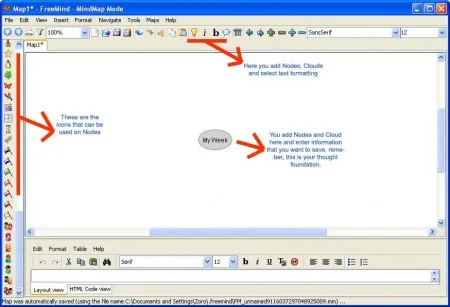
I choose to create a mind map, well more of a schedule of things that I have to do, and people that I have to meet during my usual week. That’s why I choose to name my bubble “My Week”, but this can be named anything you want. Days of the week are called Nodes, think of them as branches on a tree and each node can have Sub-nodes, task that I wrote are Sub-nodes. On the left side of FreeMind mapping software interface you have Icons, as it’s indicated on the image above. Icons can be used to accentuate a certain Node, to make it stand out from the rest. Image below has icons in order to make some Nodes more noticeable, like contact a person, or go out with friends. If you have a large map, finding a Node is easier if it has an icon or you can use the Find Tool which is also included with this mind mapping software.
You can also check out 2-plan desktop software, which also supports mind mapping.
As an addition to icons, you can also use images in your map mind. Just click on Insert and select Images. Links can be added to web pages or to files locally, which can be useful if you wish to link spreadsheets, presentations and textual documents which are located on your computer.
When you save a file it will have .mm extension, which is used by several other similar mind mapping applications, so if you’re already using one, you can easily switch to FreeMind.
FreeMind application gives you amazing tools for mind mapping and what’s even better is the fact that it’s supported on Windows, Linux and Mac. If you have troubles organizing your mind, your time, your notes, this is the program for you.
Learn how to set reminders to revisit bookmarked sites so no saved sites get forgotten only to be pilled up in the bookmarks.
Read more: How to Set Reminders to Revisit Bookmarked Sites? »Use these online vCard QR code generator websites to generate fully customized vCard QR codes based on your requirements.
Read more: 8 Best Free Online vCard QR Code Generator Websites »Librum is a free Windows application that helps you to create your own personalized online library that you can access from any device, anytime, anywhere.
Read more: Free Open Source E-Book Reader with AI Summary and Explanation: Librum »Unzip files in Windows with one keyboard shortcut (Ctrl+E) using 7-Zip and the free Zippy add-on. Works on several ZIP files at once.
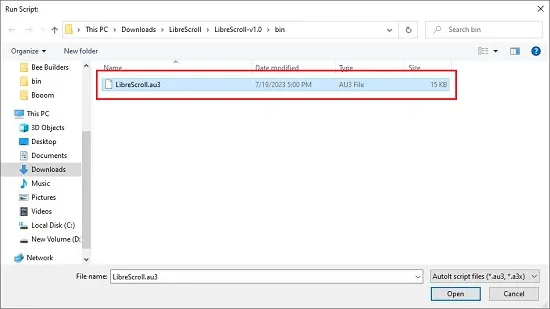
Read more: Keyboard Shortcut to Extract ZIP Files with 7-Zip »LibreScroll is a free downloadable software for Windows that enables this flywheel scrolling with any regular (generic) mouse
Read more: Enable Fly Wheel Scrolling on any Mouse with this Free Software »CoScreen is a screen sharing software that enables multiple users to concurrently share their screens as well as interact and remote control each other’s screens to…
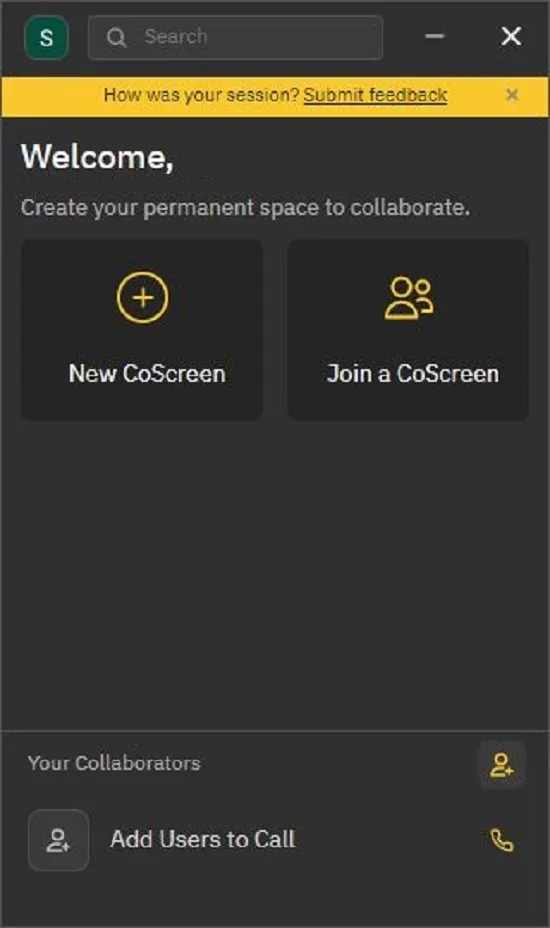
Read more: Free Software for Multi Display Screen Sharing with Teammates: CoScreen »