Simple To-do List Manager For Windows: yaTDL
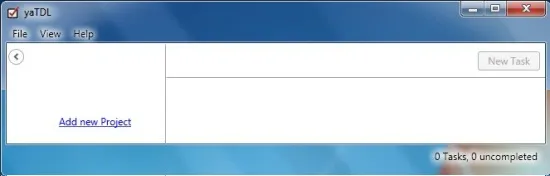
yaTDL is a free to-do list manager that lets you easily manage your daily tasks and activities. Check it out here and give it a try!
Read more: Simple To-do List Manager For Windows: yaTDL »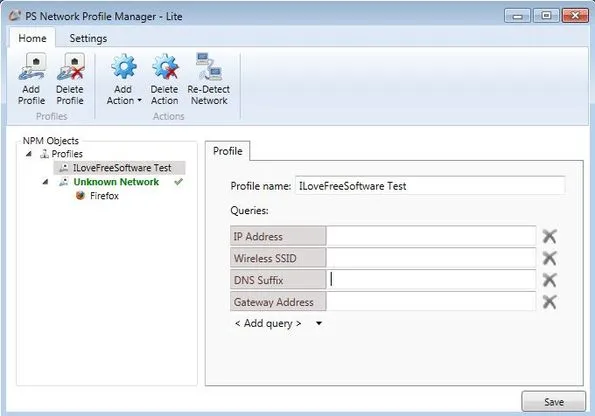
Network Profile Manager Lite is a free network profile creator and switcher with which you can easily create network profiles with different settings.
Network Profile Manager Lite is a free network profile creator and switcher for Windows which you can use in order to create different network profiles, with different settings, and then to easily switch between them when you for example need to use different DNS settings, or when you’re somewhere out, a webcafe for example, where different network settings are required.
Network profile creator and switcher can be seen in action on the image down below. Menu in the top left corner is tabbed with ribbon-like interface, the kind that’s popular with modern application. Even though Network Profile Manager does a relatively simple task of creating and switching between network profiles, it’s large in size, close to 60MB, but it makes up for it by having a very low resource consumption.
Left sidebar has the list of network profiles that you’ve setup, while on the right the network profile editor can be seen. For each profile that you setup you can change system wide network settings, and not just that, you can also change network settings (proxy for example) for web browsers that you have installed on your system.
Network Profile Manager Lite also has a system tray icon where the application can be minimized when it’s not required. When you want to switch between network profiles, you just have to right click on the system tray and select one of the network profiles that you have created.
The only thing that you need to do in order to create new profiles is click on the Add New Profile button from the quick access toolbar in the top left corner. From the first image above, you can see how editing system network settings looks like. For the created profile add IP Address, DNS, Gateway, etc.
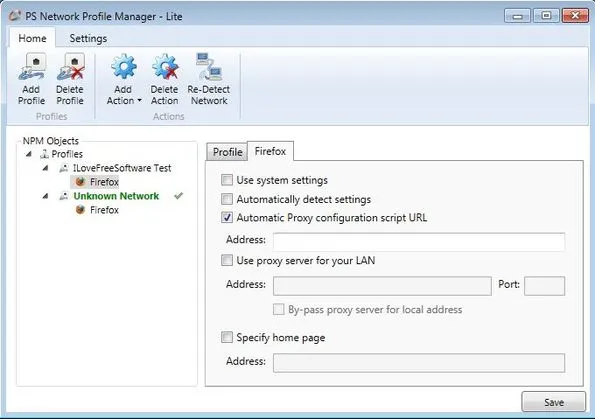
On the image above you can see browser network settings editing. To activate network settings of a certain web browser, you just need to click on the Add Action button and from the drop down list that comes up select the browser that you’d like to use.
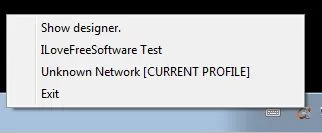
Once that you setup your profile by clicking on the Save button, you just have to right click on the system tray icon and the created profiles will be offered to you there for switching.
Network Profile Manager Lite does everything as advertised. You can easily create and add different network profiles, with different settings and then easily switch between them. If, when using computer, you’re required to quickly switch between settings, this free network profile creator and switcher is just the thing you need.
yaTDL is a free to-do list manager that lets you easily manage your daily tasks and activities. Check it out here and give it a try!
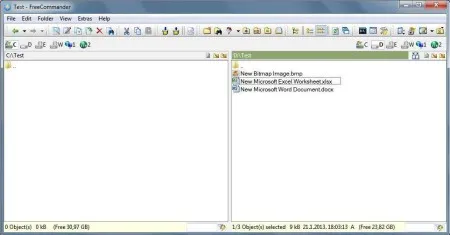
Read more: Simple To-do List Manager For Windows: yaTDL »FreeCommander is a free file manager for Windows which you can use to mange your Files. Windows Explorer Alternative. Free download.
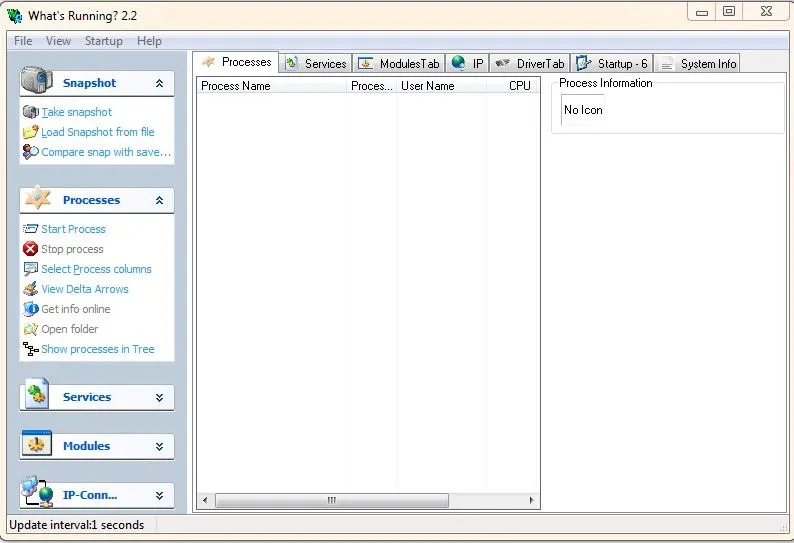
Read more: Free File Manager Alternative To Windows File Manager: FreeCommander »Here, are 5 free task manager programs for Windows to control processes and tasks taking place in your system. Download Task Manager free.
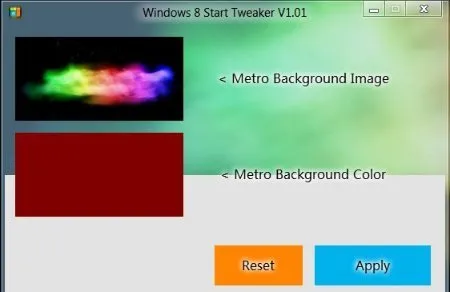
Read more: 5 Free Task Manager Programs for Windows »Here is a article on how to change login screen of Windows 8, 7, Vista and XP. Try this out to customize your Windows boot screen.
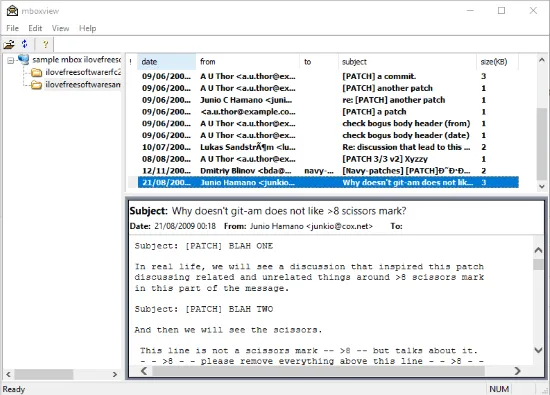
Read more: How To Change Login Screen of Windows »Here are 3 free MBox viewer software for Windows. You can add MBox file on the interface, see the list of all email messages, and view its content.
Read more: 3 Free MBox Viewer Software for Windows »This article covers a free medicine management software for Windows. This software helps you manage pharmaceutical records including product Inventory, stock, orders…
Read more: Free Medicine Management Software For Windows »