How to Run Python in Google Sheets
Learn how to run Python in Google Sheets to import data, process data, and visualize data with the help of charts and graphs.
Read more: How to Run Python in Google Sheets »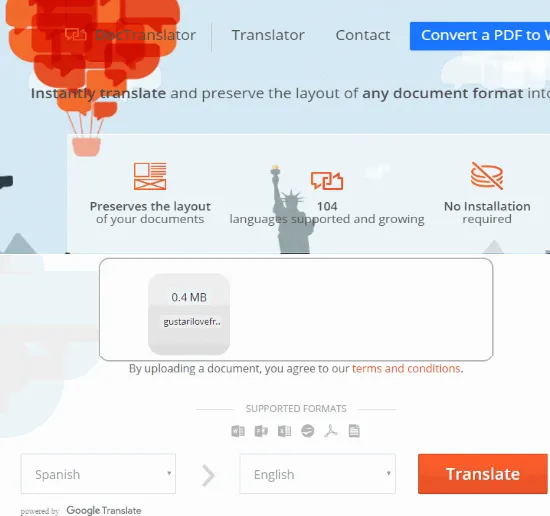
Here are 3 free online PPT translation websites. You can translate PPT file language (Spanish, French, Hindi, etc.) to English or some other language.
Here are 3 free online PPT translation websites. When you receive or have some PowerPoint presentation file in foreign language (say Spanish, French, Portuguese, Arabic, etc.) and you want to translate PPT file content to English language or some other language, then these free PPT translation websites will definitely help you.
These websites support both PPT and PPTX formats. Apart from that, a few unique features are also present. You can translate Word, XLS, XLSX, and other files, automatic input language detection, etc.
Let’s begin with first free online PPT translator website available in this list.
Free Online Document Translator is one of my favorite websites for PPT translation. It supports PPT and PPTX formats and translates the uploaded PowerPoint presentation file quickly. This website uses Google Translate to give the output, and supports over 100 different languages to get you good results. The interesting part is that it automatically detects the input language and then lets you translate PPT file. It also tries to keep the original formatting. For PPT format, there might be some formatting issues, but during my testing, it gave satisfactory results.
You also don’t have to go through a sign up process or set up options to get the output. Simply upload your PPT or PPTX file, wait for a few seconds to let it detect the input language, and then it will select output language as English. You can also change the output language. After that, press Translate button and it will give the output.
Only one PPT file can be translated at a time and the maximum file size limit is 10 MB. Apart from translating PPT and PPTX files, you can also use it to translate DOC, DOCX, ODT, ODP, ODS, TXT, SRT, XLSX, and XLS format files.
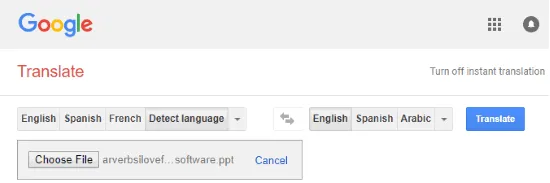
Google Translate doesn’t need an introduction. It is also very helpful to translate PPT, PPTX, or other format files. Everything is very simple. Just upload a PPT file from PC and keep “Detect language” option selected. Or else, you can also select the input language manually. When you are ready, select the output language and press “Translate” button.
Google Translate will give the output in plain text. It doesn’t keep the original formatting and output is visible in plain text only. You might not like this, but for translating a PPT file language, Google Translate is helpful. When the output is generated, you can copy all the output text and save it manually to PC. It supports more than 100 languages while translating.
The maximum file size limit for PPT document is 1 MB. I would say if you want to keep original formatting after translating PPT file and want to translate PPT file up to 10 MB size, then you should try Free Online Document Translator (mentioned above). Otherwise, Google Translate is also a nice option.
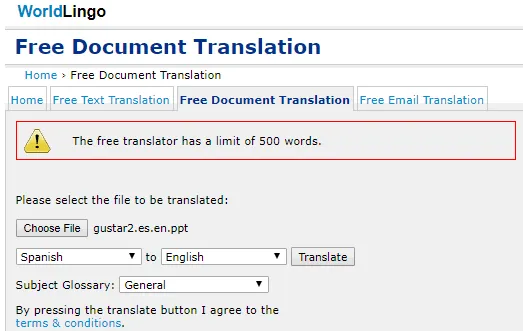
Free Document Translation is also helpful to translate PPT files (one by one). But, this website is limited to translating only 500 words. So, if you have PPT files having 500 or less words, then this website can be given a try. If you have large PPT files, then you should try other websites.
Using this website is also very easy. You need to add a PPT file from PC, set input and output languages, and then press Translate button to get the output. The output is in a the form of a text file. The websites supports lots of different languages and you would surely find the one you are looking for. If your PPT is related to a particular subject then you can select that under the glossary drop down menu, which will make the conversion easier.
That’s all this website does. Just a simple interface and straightforward purpose.
If you are looking for Excel to Word converters, then you may check these free websites.
These are some free solutions for online PPT translation. The best website in this list is definitely “Free Online Document Translator”. Other websites have some limitations, but the feature to translate PPT or PPTX file is done by them very well. Try these online PPT translators and if you guys know about some other free websites, do let me know using Comments section.
Learn how to run Python in Google Sheets to import data, process data, and visualize data with the help of charts and graphs.
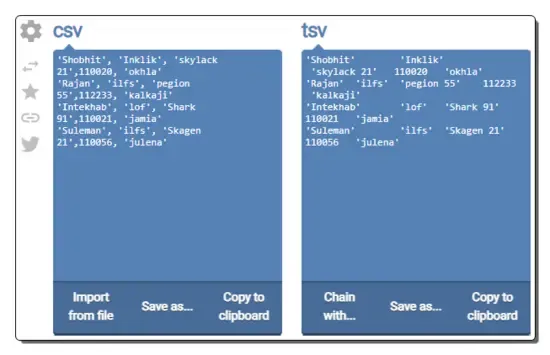
Read more: How to Run Python in Google Sheets »Check out these best free online CSV to TSV converter websites where you can convert data from CSV format to TSV format in seconds.
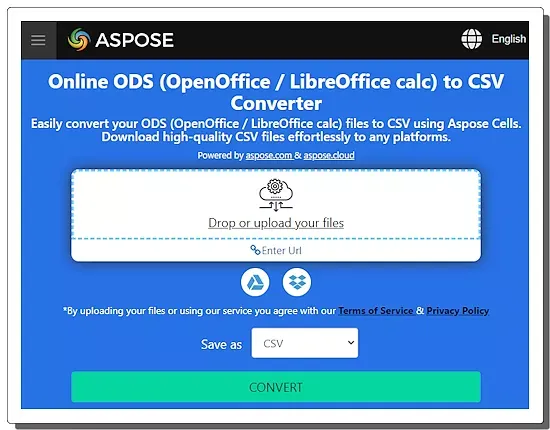
Read more: 8 Best Free Online CSV to TSV Converter Websites »Check out these best free online ODS to CSV converter websites where you can convert OpenDocument Spreadsheet data to CSV format.
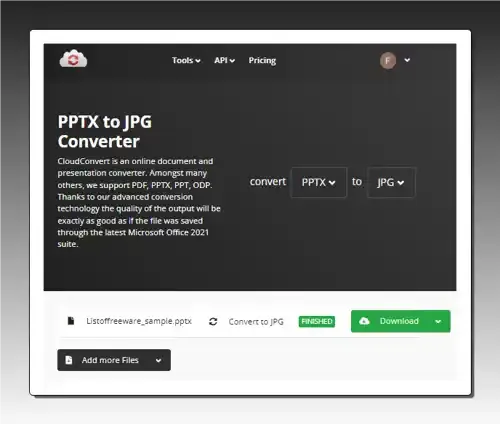
Read more: 10 Best Free Online ODS to CSV Converter Websites »Use these PPTX to JPG converter online services to quickly convert one or more PPTX files to JPG, BMP, PNG, etc., formats.
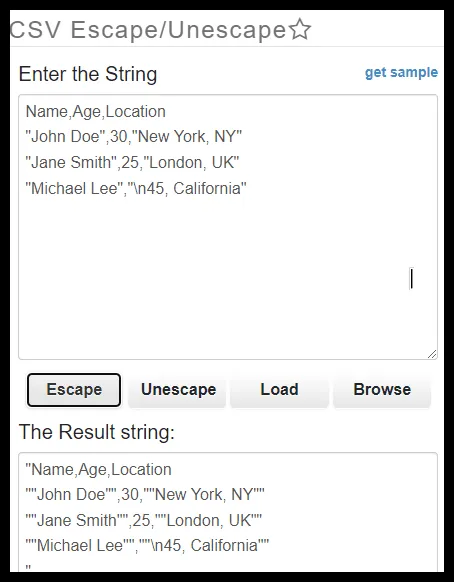
Read more: 7 Best Free PPTX to JPG Converter Online Services »Use these online CSV escape websites to quickly escape all your unescaped CSV data or unescape CSV data with ease.
Read more: 9 Best Free Online CSV Escape Websites »Use these online ODT to RTF converter websites to quickly convert ODT files to RTF and other supported document formats.
Read more: 10 Best Free Online ODT to RTF Converter Websites »