How to Set Reminders to Revisit Bookmarked Sites?
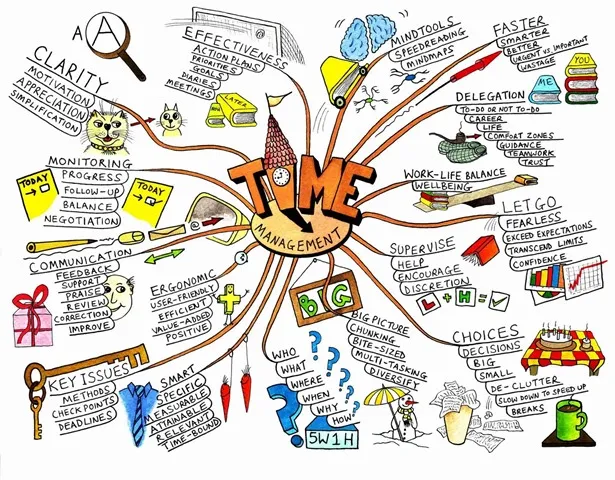
Learn how to set reminders to revisit bookmarked sites so no saved sites get forgotten only to be pilled up in the bookmarks.
Read more: How to Set Reminders to Revisit Bookmarked Sites? »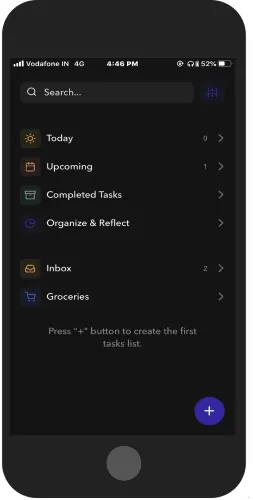
Here is a free to-do planner app with daily routines, reminders, calendar integration, and more. Make a plan for today and accomplish your daily goals.
In this blog post, you will read about a free todo planner app with daily routines, reminders, calendar integration, and more.
Timpler is a free task planner app using which you can plan your daily routines smartly. The app quickly lets you import your existing tasks from other apps. You can create a smart grocery list with the product suggestions. If you tend to forget things, you can set the reminder and deadlines along with notifications.
With the help of this app, you can easily manage your daily habits and tasks. The app has a number of features such as tag suggestions, pre-schedule tasks for next week, set custom alerts, see detailed statistics and more. Let’s know more about the app.
Also read: Create Visual Notes using Camera to Remember Things
To make a smart to-do list, you can download the app called Timpler. This is a free app for iOS devices. The app is available for free on the App Store.
Launch the app after installation, the first option that the app shows is to import existing tasks from the other app. For example, you can import tasks from Apple Reminders.
On the homepage of the app, you will see numerous pre-made folders such as Today, Upcoming, Completed Tasks, Organize & Reflect, Groceries, and Inbox. All the newly created task or list will be saved in the Inbox.
By tapping on Plus sign, you can create a list or task. For the task, you can add a task name, add notes, tag, set alert, etc., and save it. You can also select the day when you want to complete the task. The app lets you schedule the task. This will help you to make it a habit, for example, you can schedule the task for every week or month.
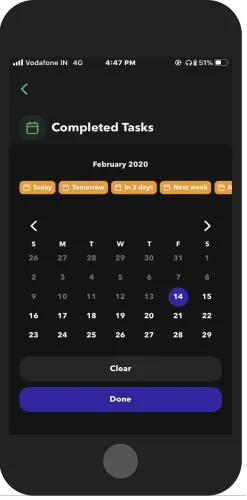
When you make a plan for any day, it will take place in the relevant category. Suppose you set a task for tomorrow, it will take place under the Upcoming category. And when you complete your task, it will appear in the Completed Tasks category.
In the Organize & Reflect section, you can manage all your created tags or create the new one. Here, you can also make a smart list for this week or next month, and more. The app also shows you statistics in detail. With this feature, you can check how many tasks each day and the most productive part of the day.
You can also see the week summary in which you can check progress from last week, task plans for next week, average tasks per day, overdue tasks, etc.
Similarly, you can make a list of activities that need to be done. In Groceries section, you can add products. the shows your suggestion to help you while making a list.
There is also a search bar on the top using which you can directly find a task or list. If you go to the app’s settings, you will have options to select calendars and import tasks & lists like Reminders and To-do list from the other apps.
Timpler works smoothly. It is a good task planner app with a beautiful UI. You can easily create your plan for today and accomplish all your daily routines and activities. The app has a great idea to make your to-do list with custom alerts. Besides that, you get a number of features to make a smart list.
Learn how to set reminders to revisit bookmarked sites so no saved sites get forgotten only to be pilled up in the bookmarks.
Read more: How to Set Reminders to Revisit Bookmarked Sites? »In this list, we talk about 4 free study planner apps for Windows 8. These apps let you make study plans easily on Windows 8.
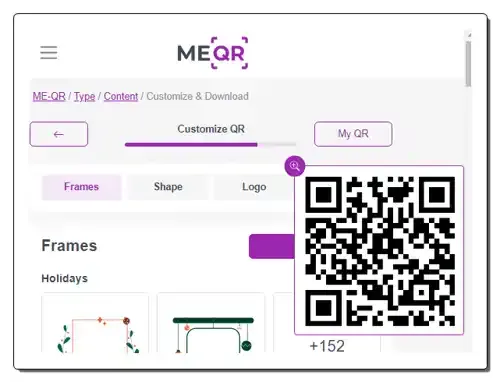
Read more: 4 Free Study Planner Apps For Windows 8 »Use these online vCard QR code generator websites to generate fully customized vCard QR codes based on your requirements.
Read more: 8 Best Free Online vCard QR Code Generator Websites »Librum is a free Windows application that helps you to create your own personalized online library that you can access from any device, anytime, anywhere.
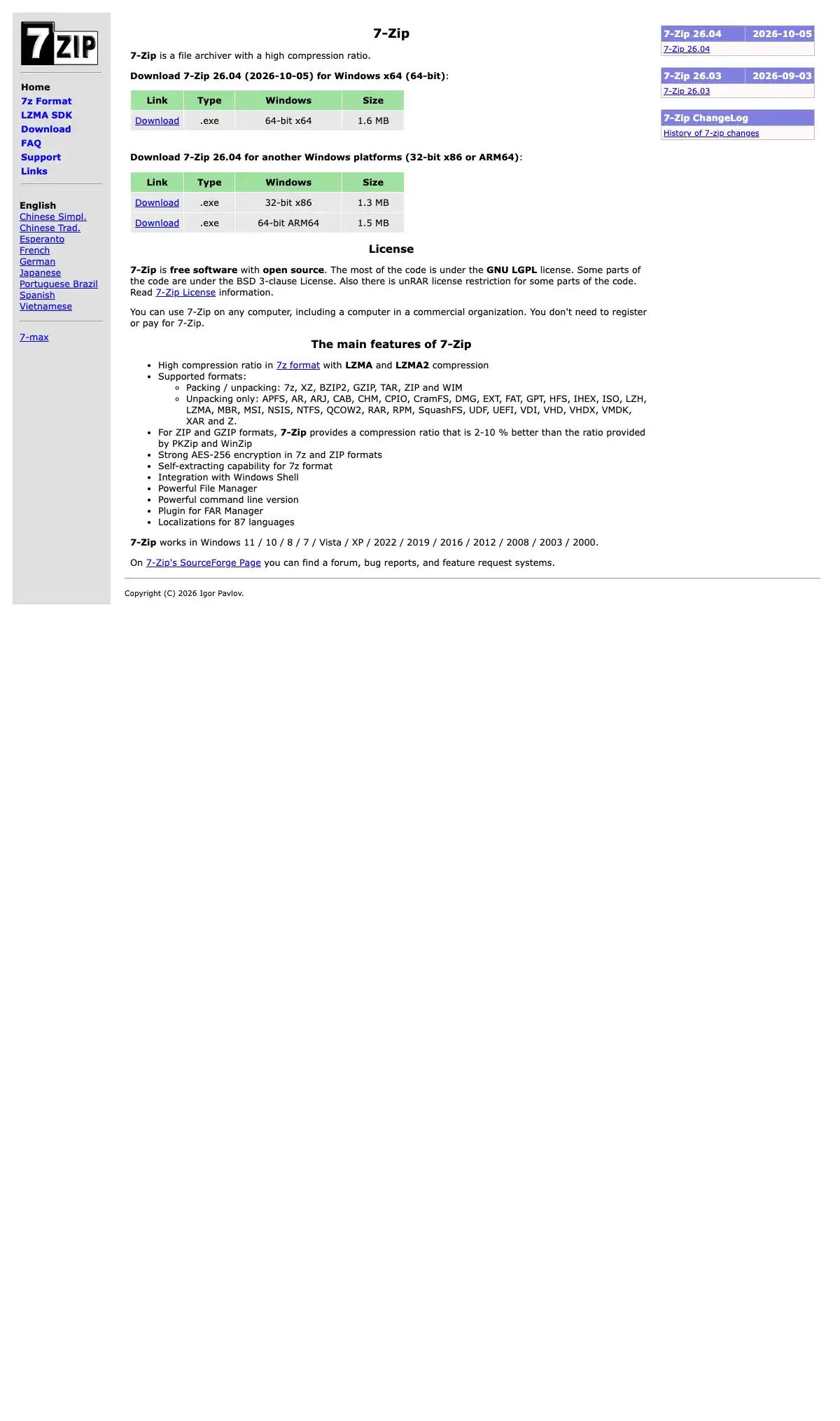
Read more: Free Open Source E-Book Reader with AI Summary and Explanation: Librum »Unzip files in Windows with one keyboard shortcut (Ctrl+E) using 7-Zip and the free Zippy add-on. Works on several ZIP files at once.
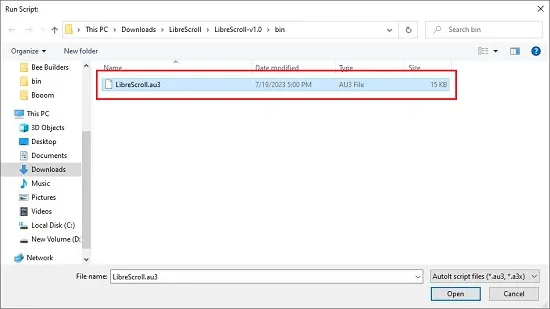
Read more: Keyboard Shortcut to Extract ZIP Files with 7-Zip »LibreScroll is a free downloadable software for Windows that enables this flywheel scrolling with any regular (generic) mouse
Read more: Enable Fly Wheel Scrolling on any Mouse with this Free Software »