7 Free Websites To Practice HTML Online
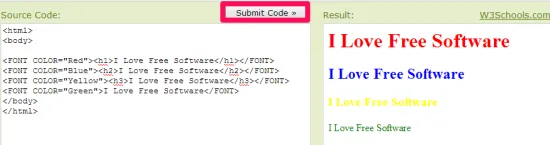
Here is a list of 7 free websites to practice HTML online. Just type your HTML and see the results. All these websites provide nice online HTML IDE.
Read more: 7 Free Websites To Practice HTML Online »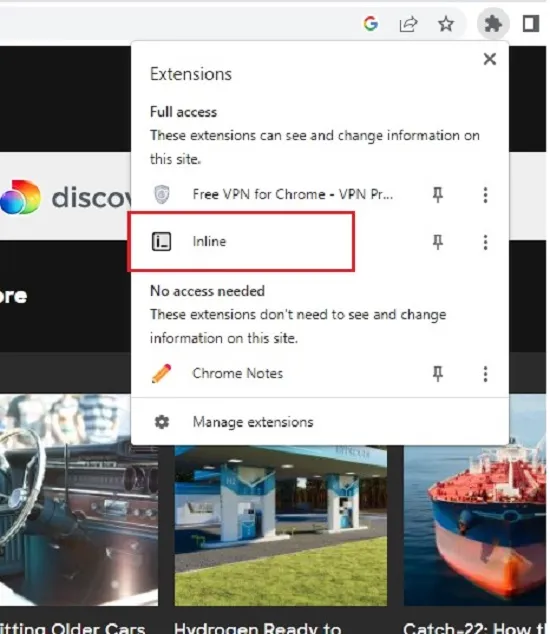
Inline is a small free Google Chrome Extension that can be used to analyze and extract the Fonts and Font styles on any webpage and copy their SVG, CSS or HTML code.
Inline is a small free Google Chrome Extension that can be used to analyze and extract the Fonts and Font styles on any webpage and copy their SVG, CSS or HTML code. This code can then be used in your projects by pasting it at the appropriate location in your application.
Inline can be very helpful for those users who are impressed by specific fonts and their styles on a webpage and would like to use them in their websites and applications.
1. Install the Inline Chrome Extension by clicking on the link that we have provided at the end of this article.
2. Once the extension is installed, restart Google Chrome and navigate to any website.
3. Click on the Extensions icon ahead of the Chrome address bar and choose ‘Inline’ to launch it.
4. Inline will now analyze the present webpage and give you a list of the Fonts and Styles used on it along with the relevant sections of the webpage where they are found.
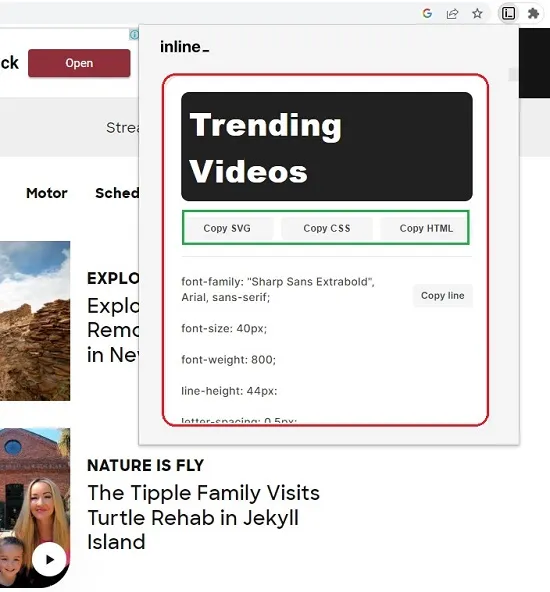
5. Inline allows you to copy the Font and its Style as an SVG file that you can integrate in your projects. Additionally, you can also copy the entire CSS code of the Font or the HTML code of the Font and its Style. To copy any code to the clipboard, scroll to the particular section in the Extension window and click on any of the corresponding buttons.
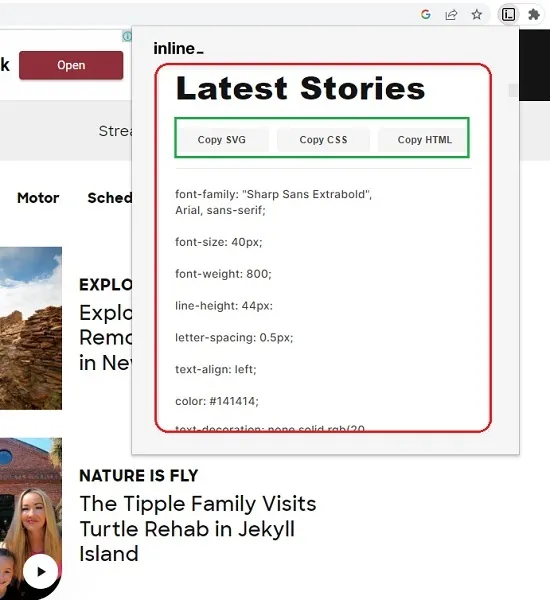
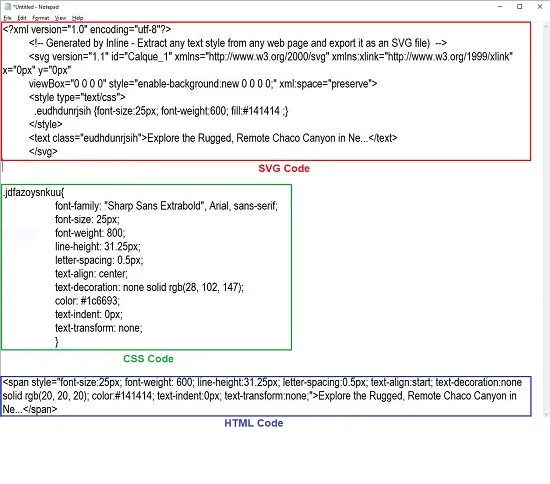
6. You can also copy a specific line (CSS property) of the code by hovering your mouse cursor towards the right side of the line and clicking on ‘Copy Inline’.
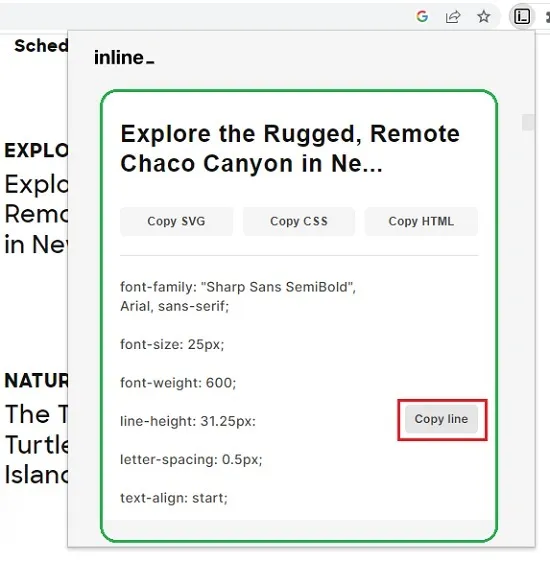
Inline easily allows you to figure out the Fonts and Styles used in any webpage and save the code in SVG, CSS or HTML format to be used in your own projects.
Click here to install Inline Chrome Extension.
Here is a list of 7 free websites to practice HTML online. Just type your HTML and see the results. All these websites provide nice online HTML IDE.
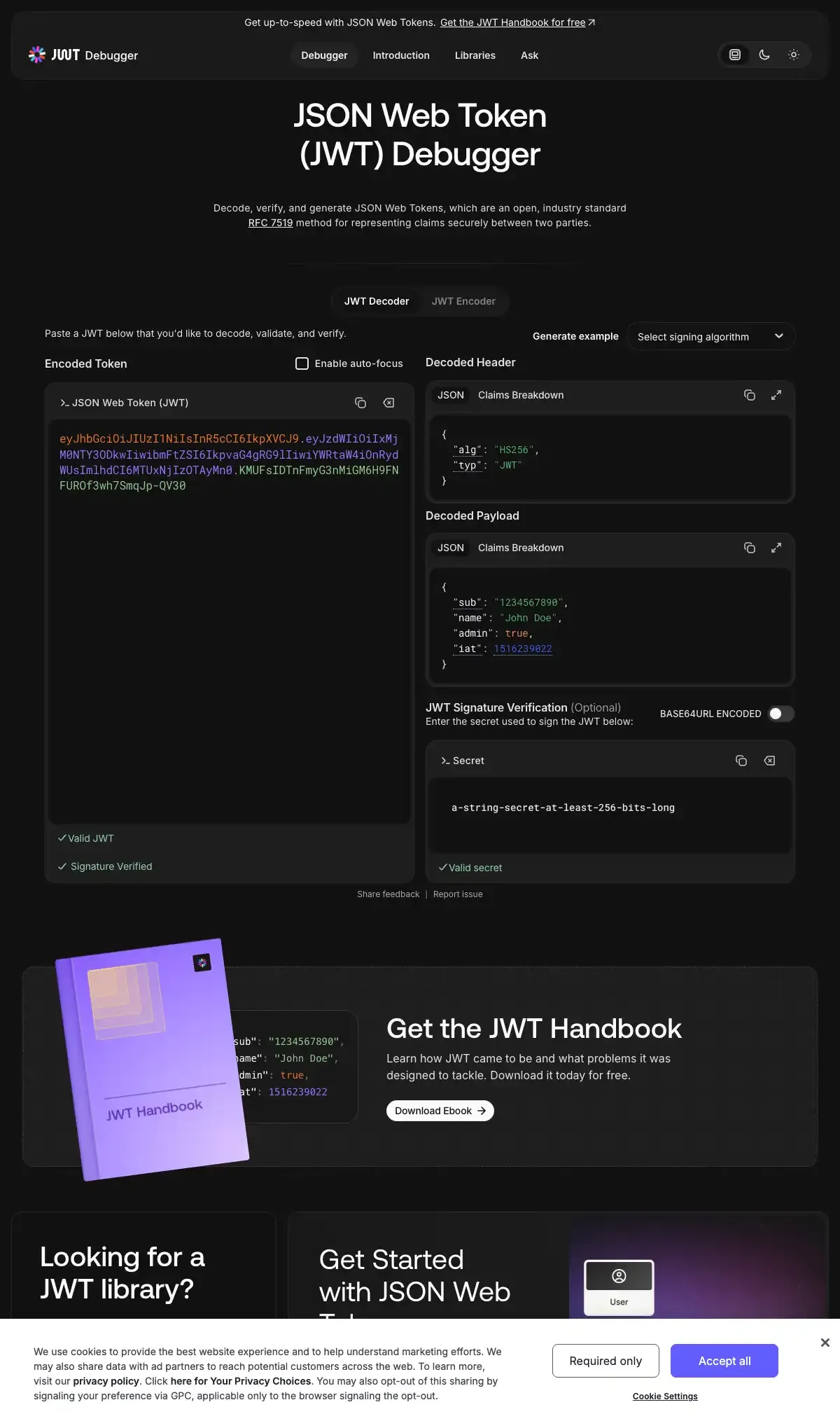
Read more: 7 Free Websites To Practice HTML Online »Decode JSON Web Tokens online to read their header, payload and expiry time. These free JWT decoder websites also verify signatures and create test tokens.
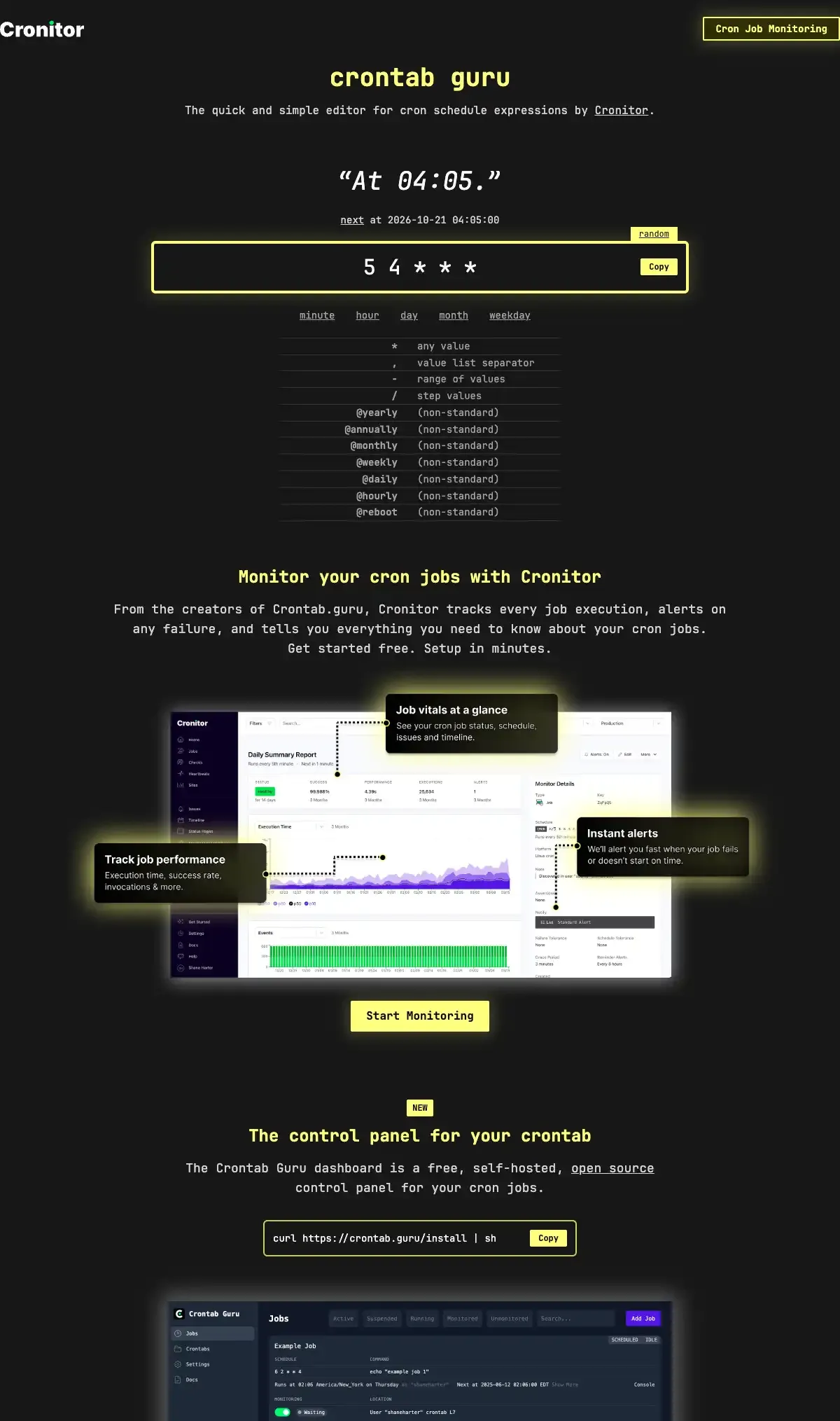
Read more: 4 Best Free Online JWT Decoder Websites »Build and check cron schedules online. These free cron expression generators explain schedules in plain English and show the next run times.
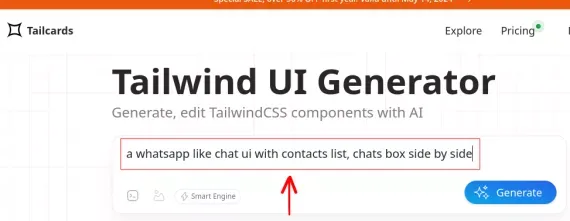
Read more: 4 Best Free Cron Expression Generator Websites »Here's a free Tailwind UI generator to generate, edit Tailwind CSS components with AI. Generate simple and complex Tailwind components.
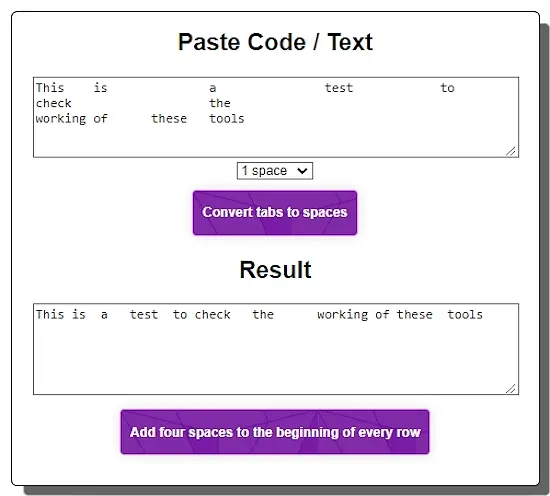
Read more: Generate TailwindCSS Components for Free with this AI based UI Generator »Check out 5 free convert tabs to spaces online websites where you can easily replace tabs with 1, 2, 3... spaces in a text.
Read more: 5 Best Free Convert Tabs to Spaces Online Websites »Compress or decompress text with Brotli online for free. These tools handle HTML, CSS, JavaScript and other text-based data in the browser.
Read more: 5 Free Brotli Compression Tools Online »