10 Free SWIFT Code Finder & Lookup Tools Online
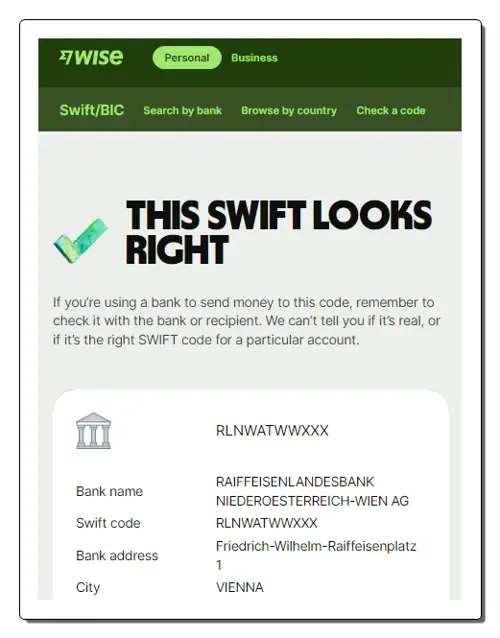
Find or check a bank's SWIFT/BIC code by country, city and bank name with these free SWIFT code finder and lookup websites.
Read more: 10 Free SWIFT Code Finder & Lookup Tools Online »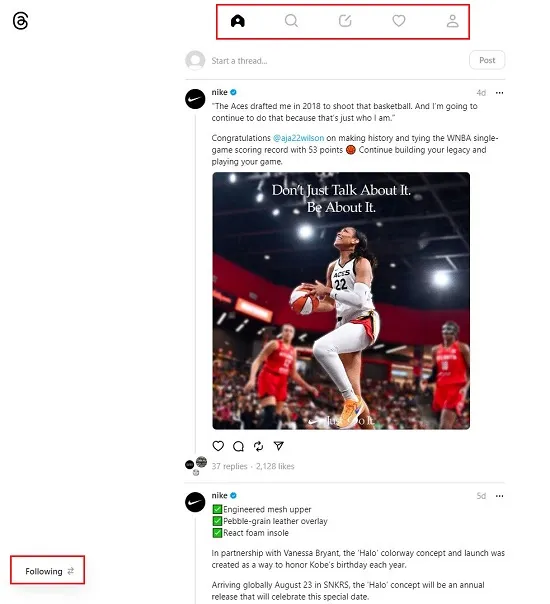
Meta Threads for Web has been launched and here is how you can use it and Post your Thread.
If you have been waiting for the web version of Meta’s Threads and have been impatiently refreshing threads.net on your browser, just check once again. The Web Version of Meta’s Threads is finally here and as of 24th August 2023, it is live for all as disclosed in a post by the Instagram chief Adam Mosseri.
Initially, there was so much hype around the web when Threads was being launched. You couldn’t reshare or like any post even though the buttons for the same were present there. But, when you hit them, a QR code would be displayed requesting you to download the Mobile app. Although, it was possible to manually navigate to a users’ specific profile, but you couldn’t browse feeds, post, reply or even sign in to your account from the browser. You will now be able to surf your Threads feeds, post content, interact with other posts and more using the web application.
Threads app had seen a considerable slump in user engagement after its initial launch and many attributed this to an absence of a web version which is truly a significant barrier. Now that it is live, it will be very exciting to figure out how many and which of the missing features will appear next.
Let us now see what the present web version of Threads has to offer:
1. To navigate to Threads Web Version, click here and sign in using your Instagram account. You will find the mobile app and new desktop web interface to be pretty much the same, although there are some small differences. The icons for navigation can be seen at the top of the page while the button to ‘switch’ between the ‘For You’ and ‘Following’ feeds is available at the bottom left corner.
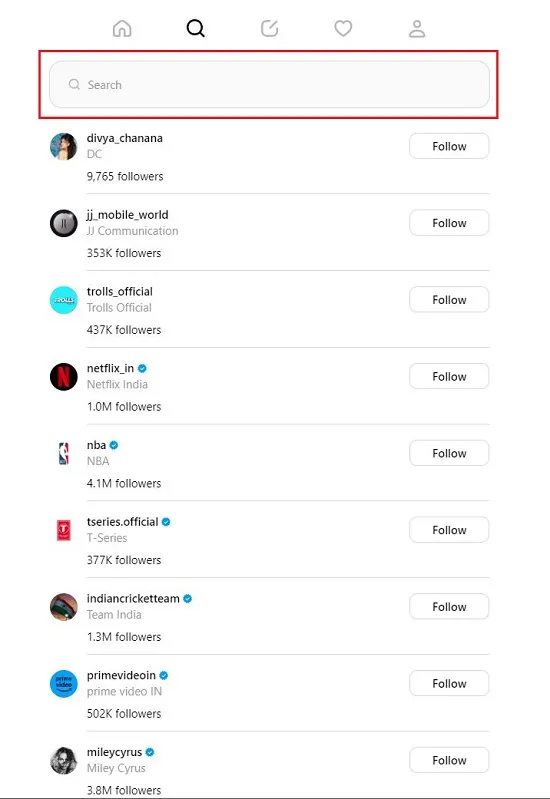
2. You can click on the ‘Search’ icon in the top navigation bar but presently, it only searches for users, not specific posts or hashtags.
3. You can hover your mouse over any Threads user to view their Bio, Number of Followers and more. Clicking on the Threads username takes you to their Profile page while clicking on the post itself opens it in detail along with all the Comments.
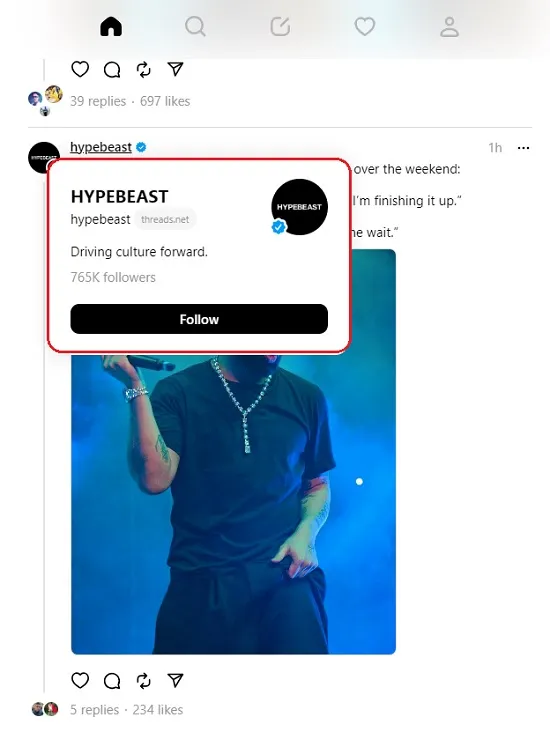

4. The icons to Like, Comment and Repost are available below the specific post. You can also click on the ‘Share icon below the post and copy its web link (URL) or embed code.

5. To Block, Unfollow or Report a specific Post, click on the 3-dots icon at the top right of the post and choose the required option.
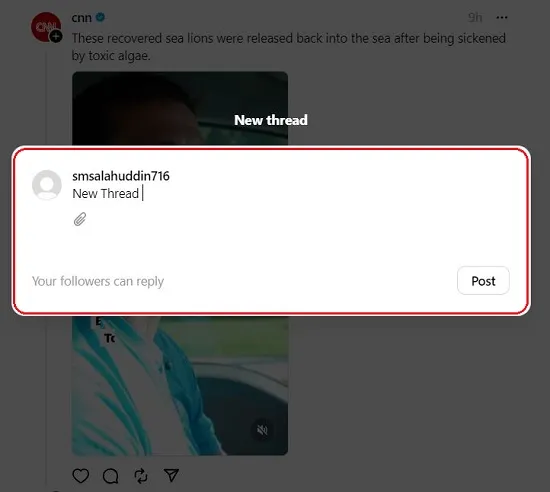
6. To start a new Thread, simply click on the ‘Start a Thread’ link available at the top of the page. This will popup the textbox for posting a new Thread. You can click on the ‘Paper Clip’ icon to attach any media to the post. Your posts can be a maximum of 500 characters long, can include links, photos and videos of up to 5 minutes in duration.
The web version of Meta’s Threads does not enable you to do everything. You cannot edit your Profile, Post or send a post of Instagram DMs from the web.
Meta’s Threads team has promised that things will get better soon. Presently, it can be said that only the bare-bones functionality has been activated although that too is a promising start as many users prefer to use social media apps on the web especially because most of them spend their time on desktop browsers.
It can be anticipated that the plummet in Threads usage after its big launch will be arrested with an improved Threads Web Application with enhanced features.
Click here to navigate to the Meta’s Threads web version.
Find or check a bank's SWIFT/BIC code by country, city and bank name with these free SWIFT code finder and lookup websites.
Read more: 10 Free SWIFT Code Finder & Lookup Tools Online »Get an email address like you@yourdomain.com: free forwarding, mailboxes included with hosting, or a dedicated email service, plus SPF, DKIM and DMARC.
Read more: How to Set Up a Professional Email Address With Your Own Domain »Explore a simple way to find out who recently unfollowed you on GitHub and track GitHub Unfollowers for effective networking.
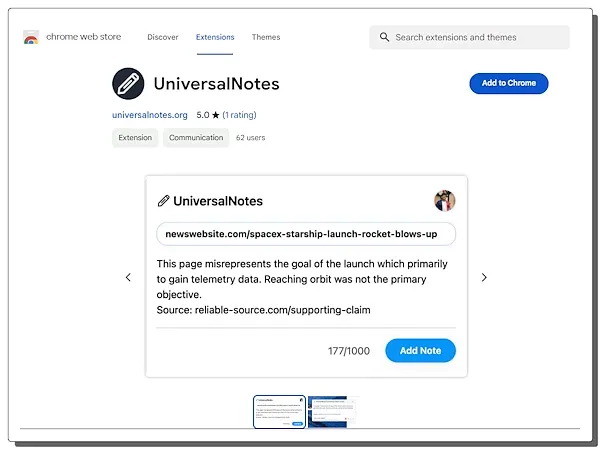
Read more: Find Out Who Recently Unfollowed You on GitHub »UniversalNotes is a free browser extension with the idea of bringing community notes to every website on the internet.
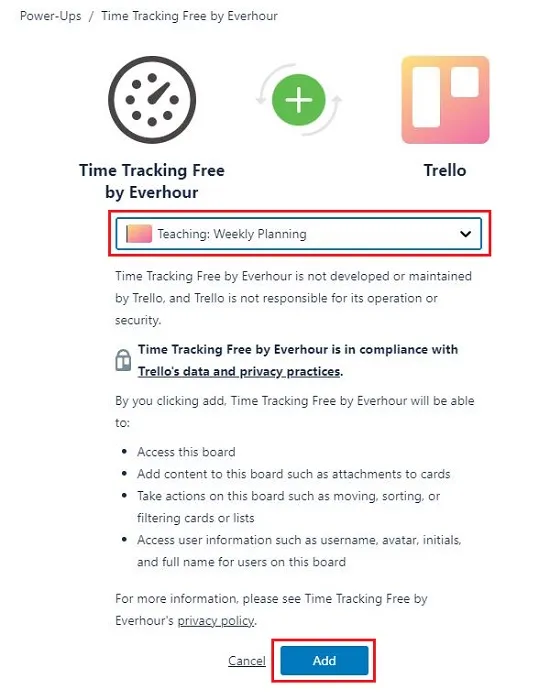
Read more: Get Community Notes on Every Website: UniversalNotes »Everhour is a free, lightweight, time-tracking power-up for Trello that you can use to easily set time estimates for your tasks, track time, and generate reports.
Read more: Free Time Tracker for Trello to Track Time for Each Task Card »In this article we will be exploring 7 most popular online Mental Health Assessment tools that can give you a quick understanding and snapshot of your mental health…
Read more: 7 Websites to Take Mental Health Assessment Online for Free »