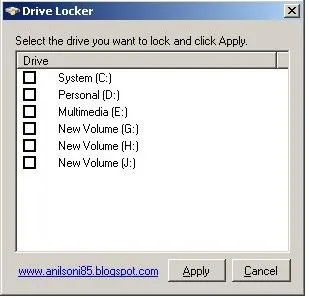
Hide Hard Drive Partition: Drive Locker
Drive Locker is a free software to hide any hard drive partition in Windows. Download Drive Locker free.
Read more: Hide Hard Drive Partition: Drive Locker »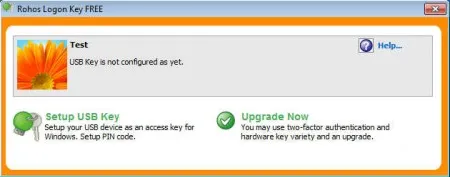
Rohos USB Logon Key is a free application which you can use in order to turn your USB thumb drive into a token which can be used for logging into Windows.
Rohos Logon Key Free is a free application which you can use in order to turn your USB thumb drive into a token which can then be used for logging into Windows, instead of typing the password. This type of logon authentication can come in handy if you don’t want to remember your password, simply turn any USB thumb drive into a key card and access your Windows system with it, easily.
We all have old USB thumb drives lying around the house, with Rohos Logon Key Free you can use them in order to add a very different login method to Windows 7, which does have its advantages, the most notable would of course be that you don’t have to remember your password, so they can be very big, which means more security. Other interesting features of this USB key login for Windows are:
Before we continue we have to mention one major disadvantage to using Rohos Login Key Free, losing the thumb drive with other people around who know what it does. If they find it, and they know that your user account can be accessed with the thumb drive it’s possible that they use it to invade your privacy. But this is not a deal breaker, because you can just change the password of your Windows user account, after which the USB thumb drive cannot be used for accessing the computer anymore.
Similar software: Screen Lock
Converting USB thumb drives into login tokens is very easy with Rohos. Start the application and insert the USB stick that you would like to use for Windows login.
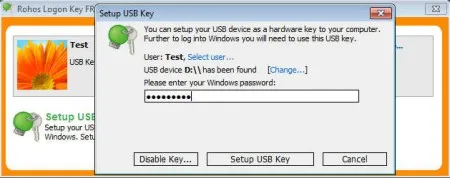
Click on Setup USB Key at the bottom of the application, which is gonna open a small pop-up window which can be seen above. Select the user account to which you want to add protection, if the USB device isn’t detected, then click on Change to set it manually. Enter the password for the selected user account and then hit Setup USB key.
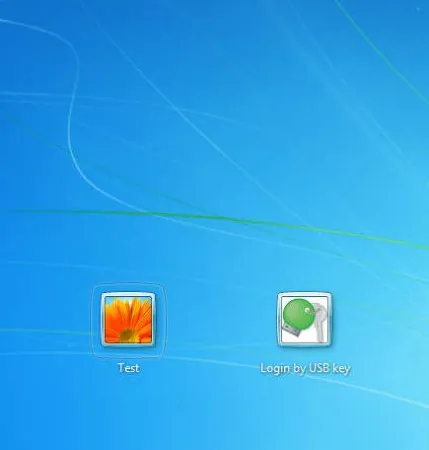
The created USB drive is now ready to be used as login token. The next time that you’re asked for a password at login, simply insert the USB token into the computer and you’re gonna be logged in automatically.
Rohos Login Key Free is a great way of how you can turn your USB thumb drive into something like an access card for your computer. Put the created USB token on your key chain and when it comes time to login simply plug it into your computer or laptop and access your computer.
Drive Locker is a free software to hide any hard drive partition in Windows. Download Drive Locker free.
Read more: Hide Hard Drive Partition: Drive Locker »Keep spam out of your real inbox. Free disposable email websites and email alias services compared: how long mail lasts, privacy and when to use each.
Read more: 6 Best Free Temporary Email Websites and Email Alias Services »Photos can reveal your GPS location, device and time. Remove EXIF metadata before sharing with these free online and offline EXIF remover tools.
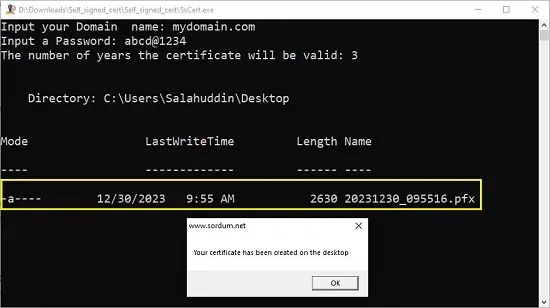
Read more: 5 Best Free EXIF Remover Websites and Tools »In this article we will be exploring 3 Free Self-Signed Certificate Creator Software for Windows that you can use to create Self-Signed certificates easily and quickly
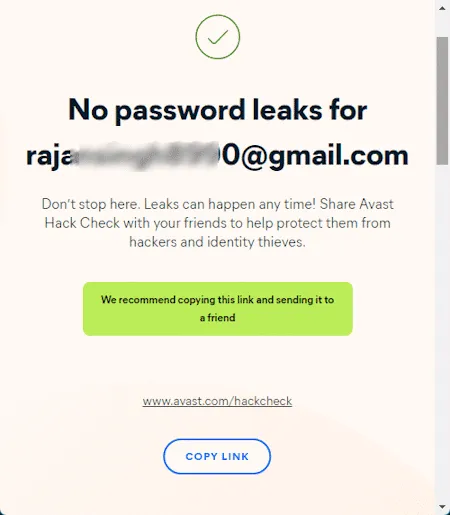
Read more: Best Free Self-Signed Certificate Creator Software for Windows »Use these online email hack checker websites to find out if your email address is compromised in a data breach or not.
Read more: 15 Best Free Online Email Hack Checker Websites »In this article we will be listing and discussing 4 Websites that you could use to encrypt Text to Emojis.
Read more: 4 Free Websites to Encrypt Text using Emojis »