How To Change Login Screen of Windows
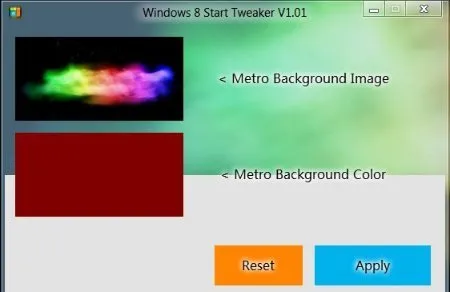
Here is a article on how to change login screen of Windows 8, 7, Vista and XP. Try this out to customize your Windows boot screen.
Read more: How To Change Login Screen of Windows »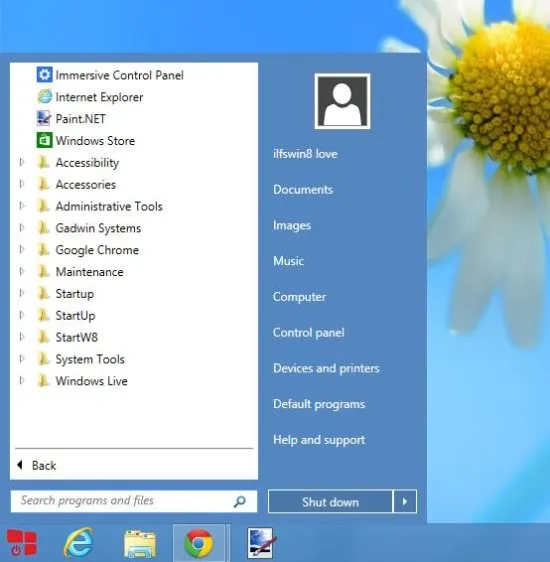
Download StartW8 and get a beautiful start menu in Windows 8 for free.
StartW8 adds the classic Start Menu of Windows 7 to Windows 8.
Ever since Windows 8 came out, lot of utilities and methods have come out that enable you to get the old Start Menu in Windows 8 that everyone misses.
StartW8 is by far the best attempt to bring a Start Menu in Windows 8. The application looks and feels totally like the good old Start Menu which was found in Windows 7 and older versions of Windows.
Almost everyone I have come across prefers the old start menu of Windows 7, instead of Windows 8. But the decision of Microsoft to change the basics of Windows and remove such an essential part of Windows is not liked by most of the new adapters of Windows 8. Therefore there are many third-party apps that are popping up these days to get Start menu back on Windows 8.
StartW8 is another free application that brings the Start Menu in Windows 8. One thing that I like about this application is that once you boot into Windows 8 the application automatically will bring up the Desktop Mode in Windows instead of the Start Screen.
The StartW8 integrates with the system and does not looks apart and feels as if it’s a part if Windows 8.
Also this free Start Menu for Windows 8 works on both 32-bit and 64-bit version of Windows 8.
With this free software enjoy Windows 7 style Start menu and activate the Start menu by pressing the Win key. So this third-party Start menu feels like a part of the operating system.
You can also customize the Menu items according to your choice from setting as seen below in the screenshot.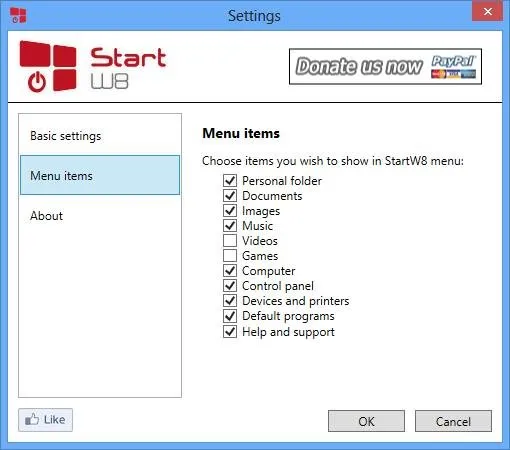
This free application for Windows 8 switches to the desktop mode after you have signed in. In this manner you will directly be in the desktop mode and skip the tile interface the application.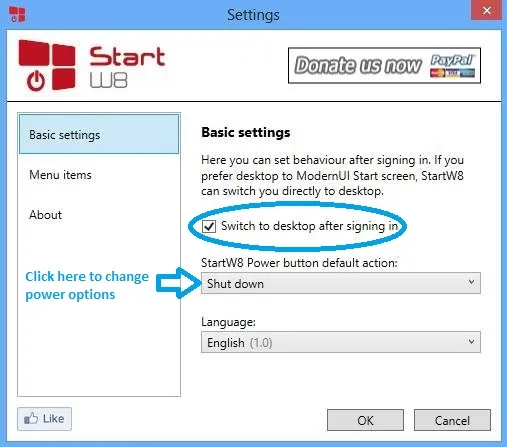
Conveniently located shut down, log off, lock, sign out etc. You can also change the power buttons default action as seen above.
Search for file and programs in the traditional search area as located in the Windows 7.
Hide the StartW8 temporarily with just a few clicks.
Add favorite applications in the Start menu by just clicking on the Windows 7 start menu. Right-click on the Start button to reveal the quick menu that lets gives you quick access to simple tasks.
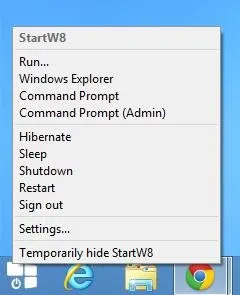
The application can be configured by all the users according one’s need.
StartW8 is simply one of the best application that brings the Windows 7 Start menu in Windows 8. I also liked the way this application looks and behaves. This is a perfect app for your new Windows 8 if you are missing the familiar Start menu in Windows 8.
Here is a article on how to change login screen of Windows 8, 7, Vista and XP. Try this out to customize your Windows boot screen.
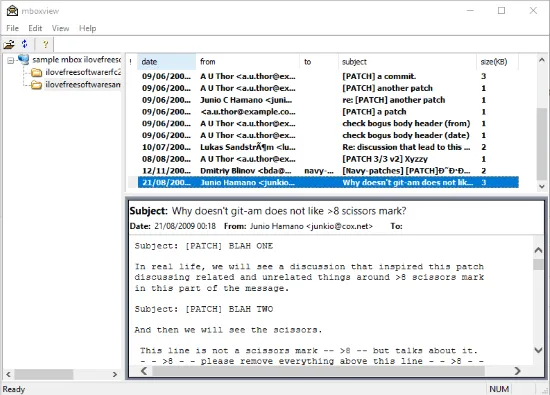
Read more: How To Change Login Screen of Windows »Here are 3 free MBox viewer software for Windows. You can add MBox file on the interface, see the list of all email messages, and view its content.
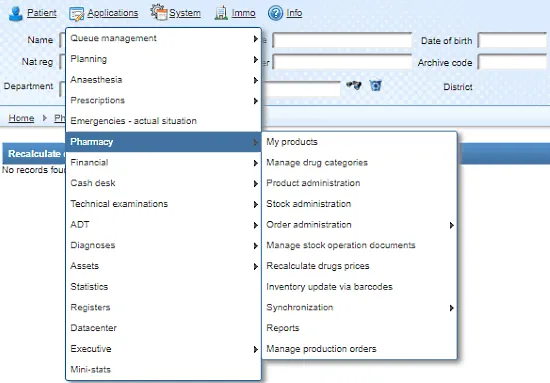
Read more: 3 Free MBox Viewer Software for Windows »This article covers a free medicine management software for Windows. This software helps you manage pharmaceutical records including product Inventory, stock, orders…
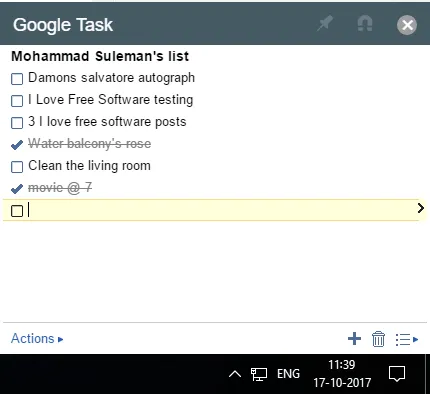
Read more: Free Medicine Management Software For Windows »Here is a free open source Google Tasks client for Windows. Use it to manage your daily tasks right from top of all your desktop applications easily
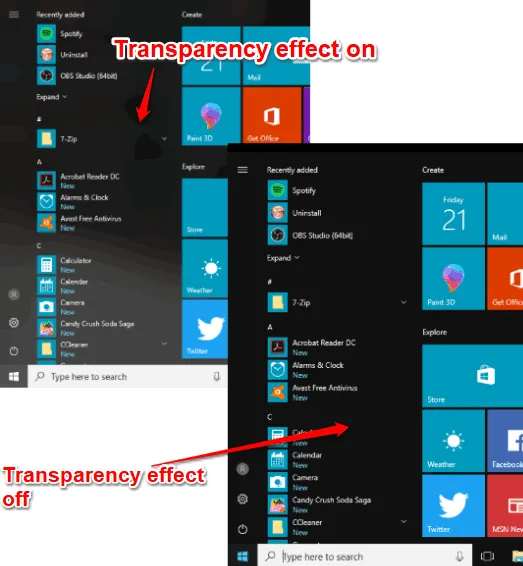
Read more: Free Open Source Google Tasks Client for Windows »This tutorial explains how to disable all transparency effects in Windows 10. It will remove transparency effect from taskbar, Start menu, apps, etc.
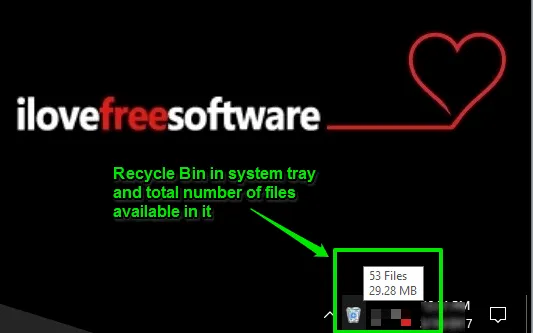
Read more: How To Disable All Transparency Effects In Windows 10 »This tutorial covers how to add Recycle Bin to Windows 10 system tray. You can also see total number of files available in Recycle Bin and their total size.
Read more: How To Add Recycle Bin To Windows 10 System Tray »