5 Free Video To Audio Apps For Android
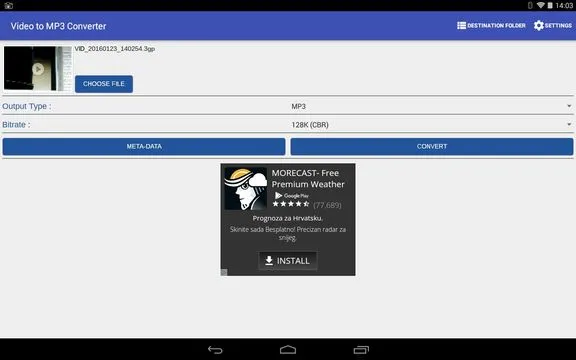
Here's a list of 5 video to audio apps for Android which you can use to convert videos into audio tracks.
Read more: 5 Free Video To Audio Apps For Android »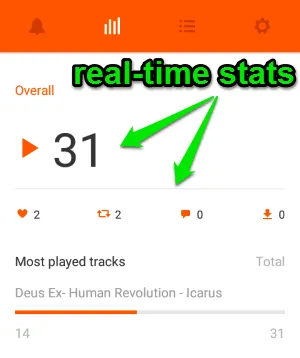
SoundCloud Pulse is a free Android app to get real-time stats on SoundCloud tracks, respond to comments and share tracks both publicly and privately.
SoundCloud Pulse is a free Android app to get real-time stats on SoundCloud tracks, manage account and share tracks or sounds both publicly and privately. That means you can easily share the tracks which you have posted either to your friends (private) or to the world (public). If you’re a music lover and if you create sounds for SoundCloud, then my friend this app is definitely for you as it lets you manage your account and make your peers always connected to your music.
You might have used many apps for Android which lets you access your SoundCloud account for streaming tracks, managing account, etc., but “SoundCloud Pulse” is pretty simple and focus more on sharing your best tracks, connection with fans, etc. The best part of this app is that it helps you get real-time updated stats for your uploaded sounds and reply to the comments on tracks. You can also find and follow your favorite SoundCloud users.
The following screenshot shows the real-time updated stats of a track.
Note: As per the developer, they will try to add some features like more in-depth stats, edit tracks, upload tracks, and messaging platform in the future.
Download and install the app from the link given at the end of this post or from the Google Play Store.
Step 1: To use this app you need to feed your SoundCloud credentials and sign in.
Step 2: As soon as you open up the app, you will be able to see all your notifications like who followed you, who commented on your tracks, etc. on the alert tab.
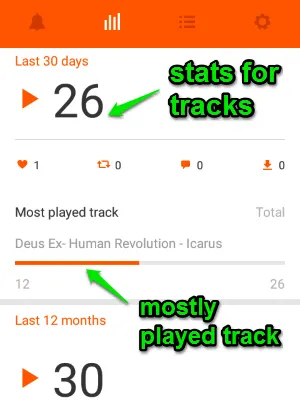
Step 3: The second tab is for the real-time updated stats of your uploaded sounds. It shows real-time stats of a track for last 24 hours, 30 days, 12 months, and overall stats. You can also see which tracks are mostly played. The following screenshot shows the stats tab.
Step 4: Click the hamburger icon at the top to view all your upload tracks and how many times it is played.
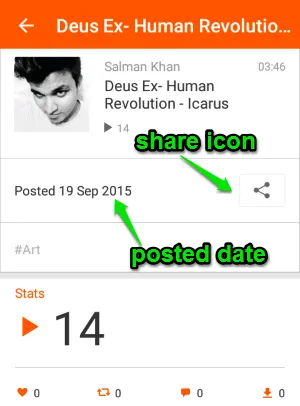
Step 5: After that simply select a track to view its posting date, tags, and stats (for that track) too. You will also be able to use the share icon to share your sounds either publicly or privately. It lets you share via WhatsApp, Bluetooth, Google Drive, Gmail, etc. The following screenshot shows how to share the tracks.
Step 6: As we have already discussed that you can easily view the comments and reply or respond to them instantly. It also lets you know who followed you recently and you can follow them back too.
SoundCloud Pulse is an amazing app which lets you easily get real-time stats on your uploaded tracks. You can share your tracks to your friends as well as to the world. Instantly respond to the comments and follow your favorite users. Personally, I like this app as it allows us to know performance statistics of tracks for last 24 hour, a month, a year, etc.
Try this app from the link here.
Here's a list of 5 video to audio apps for Android which you can use to convert videos into audio tracks.
Read more: 5 Free Video To Audio Apps For Android »Here you will learn about 5 free mandolin tuner apps for Android. These apps can help you tune your mandolin strings by analyzing them in real-time.
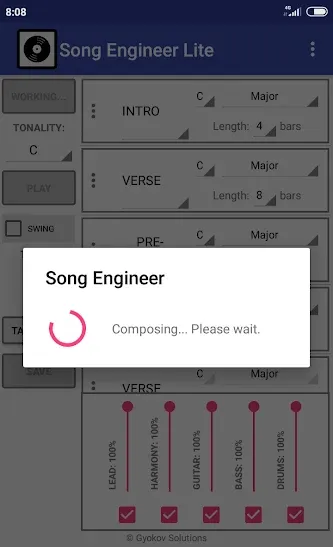
Read more: 5 Free Mandolin Tuner Apps for Android »Song Engineer is an app for auto song composition. It uses an algorithm that creates & matches harmony and melodies of different instruments
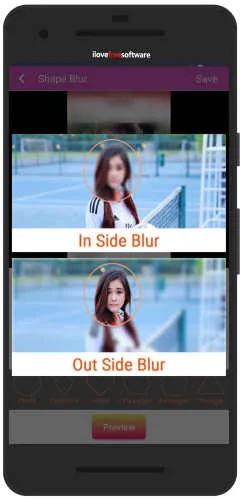
Read more: Free Automatic Music Composition Generator for Android: Song Engineer »Here you can learn about how to add depth of field to video with this Android app. Select a video, choose custom shapes to add blur effect in specific part.
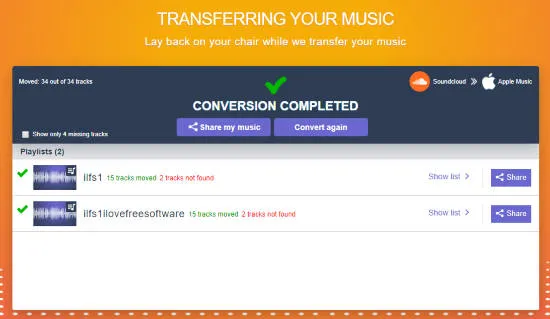
Read more: How to Add Depth of Field to Video with this Android App? »This article is about how to move multiple playlists from SoundCloud to Apple Music. You can also select which tracks from each playlist you want to move.
Read more: How to Move Multiple Playlists from SoundCloud to Apple Music? »Here's a list of 3 bagpipe apps for Android which you can use to play bagpipes on your smartphone or tablet.
Read more: 3 Bagpipe Apps For Android »